
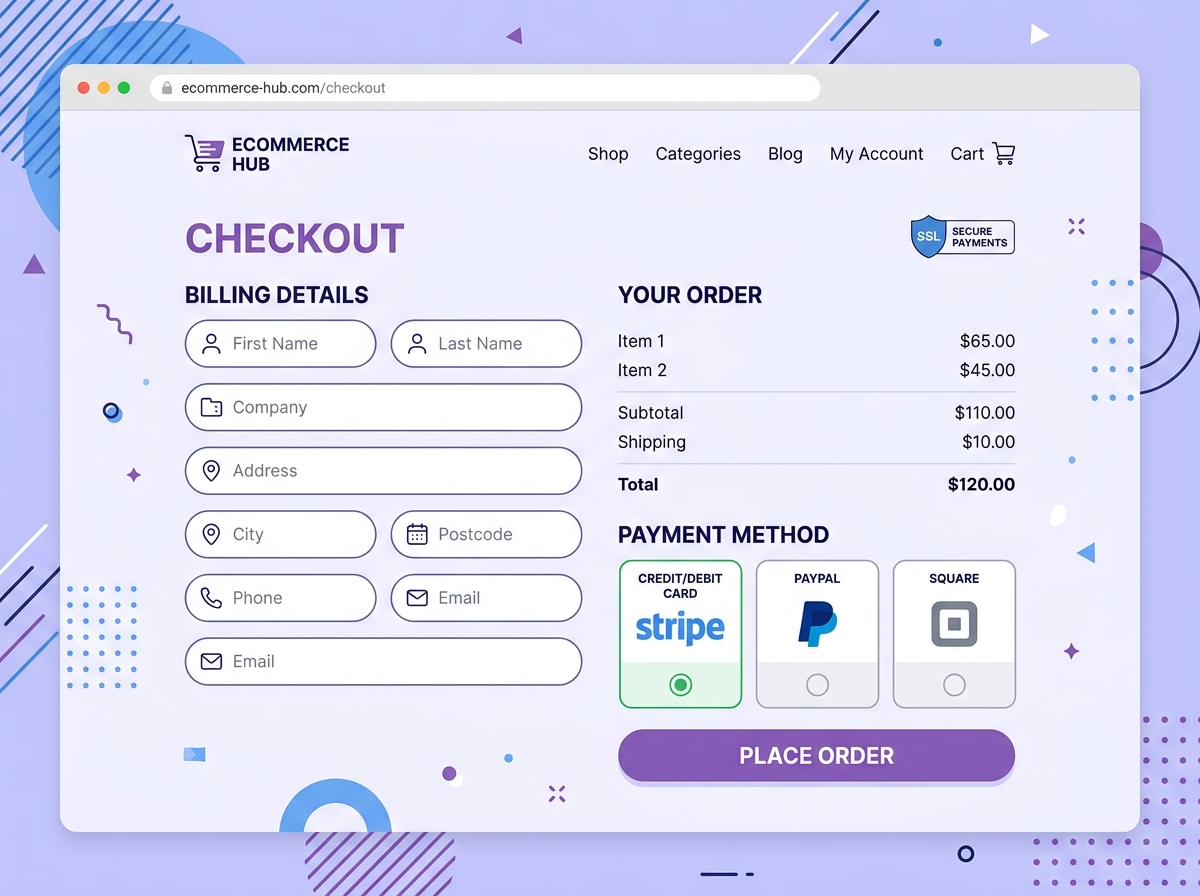
WooCommerce Payment Gateways Compared: Find the Best Option for Your Store
Choosing the right WooCommerce payment gateways for your online store is one of the most important decisions you’ll make as an e-commerce business owner. The wrong choice can mean higher fees, frustrated customers, and abandoned carts. The right one? Smoother checkouts, more conversions, and money in your pocket faster. In this guide, we break down the top payment gateway options available for WooCommerce so you can make a confident, informed decision.
Why Your Payment Gateway Choice Matters
Your payment gateway is the engine behind every transaction on your store. It processes credit cards, handles security, manages refunds, and directly impacts the customer experience at the most critical moment — checkout. A clunky or untrustworthy payment process is one of the top reasons shoppers abandon their carts.
Beyond the customer experience, payment gateways vary significantly in:
- Transaction fees — typically 1.5% to 3.5% per sale
- Setup and monthly costs — some are free to install, others charge recurring fees
- Supported countries and currencies — critical for international sellers
- Payout speed — how quickly funds reach your bank account
- Fraud protection and security features
Let’s look at the most popular WooCommerce payment gateways and how they stack up.
Top WooCommerce Payment Gateways Compared
1. WooPayments (by WooCommerce)
WooPayments is the native payment solution built directly into WooCommerce by Automattic. It’s powered by Stripe under the hood and is deeply integrated with your WooCommerce dashboard — meaning you manage everything from one place.
- Transaction fees: 2.9% + $0.30 per transaction (US); varies by country
- Monthly fee: None
- Currencies supported: 135+
- Payout speed: 7 business days (standard)
- Best for: Store owners who want a seamless, all-in-one solution
Pros: No third-party plugin needed, built-in dispute management, supports Apple Pay and Google Pay.
Cons: Not available in all countries, slightly slower payouts compared to competitors.
2. Stripe for WooCommerce
Stripe is widely regarded as the gold standard for online payment processing. Its WooCommerce plugin is robust, developer-friendly, and supports a wide range of payment methods, including cards, wallets, and buy-now-pay-later options.
- Transaction fees: 2.9% + $0.30 per transaction
- Monthly fee: None
- Currencies supported: 135+
- Payout speed: 2 business days
- Best for: Growing stores that need flexibility and advanced features
Pros: Excellent developer tools, supports subscriptions and recurring billing, fast payouts, and strong fraud detection.
Cons: Can be complex to configure for non-technical users.
3. PayPal Payments
PayPal is one of the most recognized names in online payments, and for good reason. Millions of shoppers already have PayPal accounts, which can reduce checkout friction significantly. WooCommerce offers both PayPal Standard and PayPal Commerce Pro integrations.
- Transaction fees: 3.49% + $0.49 per transaction (PayPal Checkout)
- Monthly fee: None for standard; advanced plans available
- Currencies supported: 25+
- Payout speed: Instant to PayPal balance; 1–3 days to bank
- Best for: Stores targeting customers who prefer PayPal or buy internationally
Pros: Massive brand trust, buyer protection builds customer confidence, and easy setup.
Cons: Higher fees than Stripe, redirects customers off-site (Standard version), and account freezes can occur.
4. Square for WooCommerce
Square is an excellent choice for businesses that sell both online and in person. Its WooCommerce integration syncs inventory between your physical and online store automatically.
- Transaction fees: 2.9% + $0.30 per online transaction
- Monthly fee: None for the basic plan
- Currencies supported: Limited (US, UK, Canada, Australia, Japan, Ireland)
- Payout speed: 1–2 business days
- Best for: Brick-and-mortar businesses expanding online
Pros: Seamless omnichannel selling, free POS hardware available, strong inventory management.
Cons: Limited international support, fewer advanced e-commerce features.
5. Authorize.Net
Authorize.Net is a veteran in the payment processing space and a solid choice for established businesses that need reliability and advanced fraud tools.
- Transaction fees: 2.9% + $0.30 per transaction
- Monthly fee: $25/month
- Currencies supported: USD, CAD, EUR, GBP, AUD
- Payout speed: 2 business days
- Best for: High-volume stores needing enterprise-level features
Pros: Advanced fraud detection suite, supports recurring billing, and highly reliable uptime.
Cons: Monthly fee makes it less ideal for small or new stores.
How to Choose the Right WooCommerce Payment Gateway
With so many options available, narrowing down the best WooCommerce payment gateway for your specific store comes down to a few key questions:
- Where are your customers located? If you sell internationally, prioritize gateways with broad currency support like Stripe or WooPayments.
- What’s your monthly sales volume? High-volume stores may benefit from negotiated rates or flat-fee processors.
- Do you sell in person, too? Square’s omnichannel capabilities make it a natural fit.
- Do you need subscriptions or recurring billing? Stripe and Authorize.Net handle this exceptionally well.
- How tech-savvy is your team? WooPayments and PayPal offer the simplest setup experiences.
Quick Comparison Summary
Here’s a fast-reference breakdown of the top WooCommerce payment gateways:
- WooPayments — Best all-in-one native solution
- Stripe — Best for flexibility and developer control
- PayPal — Best for brand trust and buyer confidence
- Square — Best for omnichannel (online + in-person) selling
- Authorize.Net — Best for high-volume, enterprise-level stores
Final Thoughts
There’s no single “best” payment gateway — the right choice depends on your business model, customer base, and growth goals. What matters most is that your checkout experience is fast, secure, and frictionless. Even a small improvement in checkout conversion can have a significant impact on your bottom line.
If you’re just starting, WooPayments or Stripe are excellent entry points with no monthly fees and strong feature sets. As your store scales, you can always reassess and switch to a solution that better fits your volume and needs.
Need help setting up or optimizing your WooCommerce store? Contact our team today for a free consultation — we’ll help you build a store that converts visitors into loyal customers.