
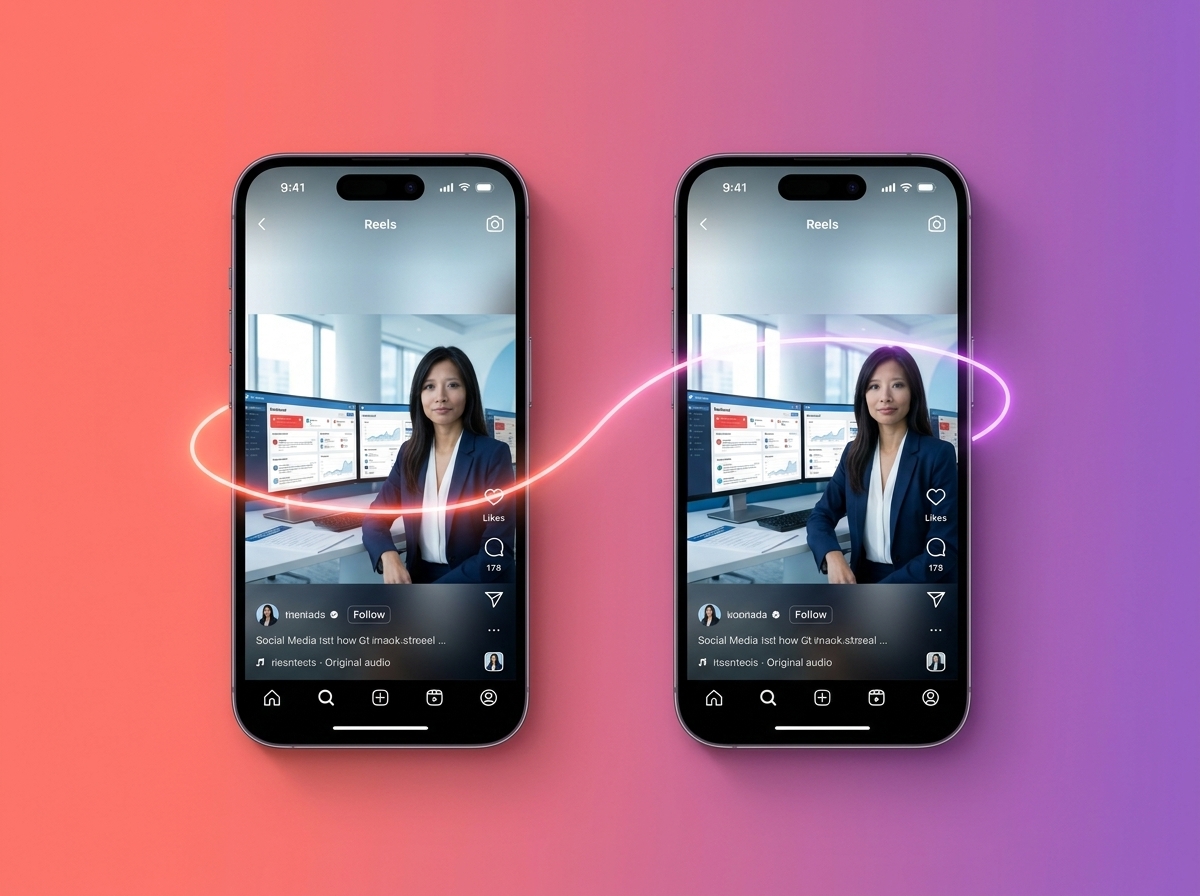
If you’ve been looking for a simple way to grow your Instagram audience without spending money on ads, the Instagram Collabs feature might be exactly what you need. This built-in tool lets two accounts co-author a single post or Reel — meaning both profiles share the same content, the same likes, and the same comments. The result? Double the exposure with half the effort. In this guide, you’ll learn exactly how to use it and why it should be part of your social media strategy right now.
What Is the Instagram Collabs Feature?
The Instagram Collabs feature allows you to invite another Instagram user to be a co-author on a Feed post or Reel. Once the other person accepts the invite, the content appears on both profiles simultaneously. Both accounts share the same engagement — likes, comments, views, and saves all count together in one unified post.
This is different from simply tagging someone in a post. A tag shows up as a mention, but a Collab makes both accounts equal owners of the content. That means your post gets shown to both audiences at the same time, which can dramatically increase your organic reach without any paid promotion.
Collabs vs. Tagging: What’s the Difference?
- Tagging: Mentions the other account but doesn’t share the post to their feed or followers.
- Collabs: The post appears on both profiles and is distributed to both sets of followers.
- Engagement: With Collabs, all likes and comments are pooled together, boosting the post’s performance in the algorithm.
Understanding this distinction is key. When you use the Instagram Collabs feature strategically, you’re not just giving someone a shoutout — you’re creating a shared content experience that benefits both parties equally.
How to Set Up an Instagram Collab Post
Setting up a Collab is straightforward, even if you’re not super tech-savvy. Here’s a step-by-step breakdown so you can get started today.
Step-by-Step Instructions
- Step 1: Create your post or Reel as you normally would — add your photo, video, caption, and hashtags.
- Step 2: On the final screen before publishing, tap “Tag People.”
- Step 3: Select “Invite Collaborator” and search for the account you want to collaborate with.
- Step 4: Publish your post. The other account will receive a collaboration request in their DMs.
- Step 5: Once they accept, the post will appear on both profiles and reach both audiences.
It’s worth noting that the collaborator must accept the invite before the post shows on their profile. If they decline or ignore it, the post still goes live on your account — it just won’t be shared to theirs. Always give your partner a heads-up before sending the invite so they’re ready to accept quickly.
Tips for a Smooth Collab Experience
- Coordinate the timing — let your collaborator know when you’re posting so they can accept promptly.
- Agree on the caption and creative direction beforehand to avoid surprises.
- Make sure both accounts are public, or that your collaborator’s followers can see the content.
- Use relevant hashtags that appeal to both audiences for maximum discoverability.
Who Should You Collaborate With?
Choosing the right partner is just as important as knowing how to use the Instagram Collabs feature itself. The goal is to find accounts whose audience overlaps with yours — but isn’t identical. Think complementary, not competitive.
Great Collaboration Partners for Small Businesses
- Local businesses: A coffee shop and a bookstore, a gym and a nutritionist — these pairings make natural sense.
- Industry influencers: Micro-influencers (10K–100K followers) often have highly engaged, niche audiences that align well with small business goals.
- Complementary service providers: If you’re a web designer, collaborating with a copywriter or SEO specialist makes perfect sense.
- Brand ambassadors or loyal customers: User-generated content Collabs can feel authentic and build trust with new audiences.
Before reaching out, spend time reviewing the other account’s content, engagement rate, and audience demographics. A smaller account with a highly engaged following will often outperform a large account with passive followers. Quality always beats quantity when it comes to Instagram growth.
If you’re still building your overall Instagram strategy, check out our guide on social media management tips for small businesses to make sure your profile is set up for success before you start collaborating.
How to Maximize Results from Instagram Collabs
Using the Instagram Collabs feature is just the starting point. To truly double your reach, you need a strategy around how and when you use it. Here are some proven ways to get the most out of every collaboration.
Content Ideas That Work Well as Collabs
- Product launches or announcements — great for building buzz across two audiences at once.
- Giveaways and contests — Collab posts are perfect for joint giveaways where both brands benefit.
- Behind-the-scenes Reels — show how two businesses work together in a fun, authentic way.
- Educational carousels — co-create a how-to post that showcases both brands’ expertise.
- Event promotions — if you’re hosting or co-hosting an event, a Collab post is a natural fit.
Reels tend to perform especially well as Collab content because Instagram’s algorithm already favors short-form video. When you combine that with the reach of two audiences, you have a powerful formula for organic growth. You can also repurpose your Collab Reels as part of a broader content repurposing strategy to get even more mileage out of your content.
Track Your Results
After each Collab post, review your Instagram Insights to see how it performed compared to your regular posts. Look at reach, impressions, profile visits, and follower growth. Over time, you’ll start to see which types of collaborations drive the best results for your specific audience.
If you’re not already using a social media scheduling and analytics tool, now is a great time to start. Understanding your data is what separates businesses that grow consistently from those that post and hope for the best. Learn more about how AI-powered social media tools can help you track and improve your performance.
- The Instagram Collabs feature lets two accounts co-author a post or Reel, sharing engagement and reach across both audiences.
- Collabs are more powerful than simple tags because the content actually appears on both profiles.
- Choose collaborators whose audience complements yours — think local businesses, micro-influencers, and complementary service providers.
- Reels and giveaways tend to perform especially well as Collab content formats.
- Always track your results in Instagram Insights so you can refine your collaboration strategy over time.
The Instagram Collabs feature is one of the most underused growth tools available to small businesses right now. It costs nothing, takes just a few minutes to set up, and can put your content in front of an entirely new audience overnight. Whether you’re launching a product, running a giveaway, or simply trying to grow your following, Collabs give you a smart, organic way to do it.
Ready to build a social media strategy that actually works? Contact our team at LetsGetSocialOnline.com and let’s create a custom plan to grow your brand on Instagram and beyond.