
If you’re building or redesigning your business website this year, you’ve probably landed in the middle of the Webflow vs WordPress 2026 debate. Both platforms are powerful, both have loyal fans — and both can absolutely work for your business. But they’re built for very different types of users and goals. So how do you choose? Let’s break it down in plain English so you can make the right call for your business.
What’s the Core Difference Between Webflow and WordPress?
At their core, Webflow and WordPress take completely different approaches to building websites. WordPress is an open-source content management system (CMS) that’s been around since 2003. It powers over 40% of all websites on the internet — and for good reason. It’s flexible, widely supported, and has a massive ecosystem of plugins and themes.
Webflow, on the other hand, is a visual website builder and CMS that launched in 2013. It lets designers and business owners build custom, professional websites without writing code — but with far more design control than traditional drag-and-drop builders like Wix or Squarespace.
WordPress: The Open-Source Powerhouse
WordPress gives you almost unlimited flexibility. You can build anything from a simple blog to a full e-commerce store to a membership site. The trade-off? You’re responsible for your own hosting, security, updates, and plugin management. For non-technical business owners, that can feel overwhelming — or lead to costly mistakes if things aren’t maintained properly.
Webflow: The Designer’s Dream Tool
Webflow handles hosting, security, and performance for you — all in one clean platform. It’s especially popular with designers and agencies who want pixel-perfect control without touching code. The learning curve is steeper than a basic website builder, but the results are often stunning. And because everything is managed in one place, there’s far less technical maintenance on your end.
Webflow vs WordPress 2026: Key Factors to Compare
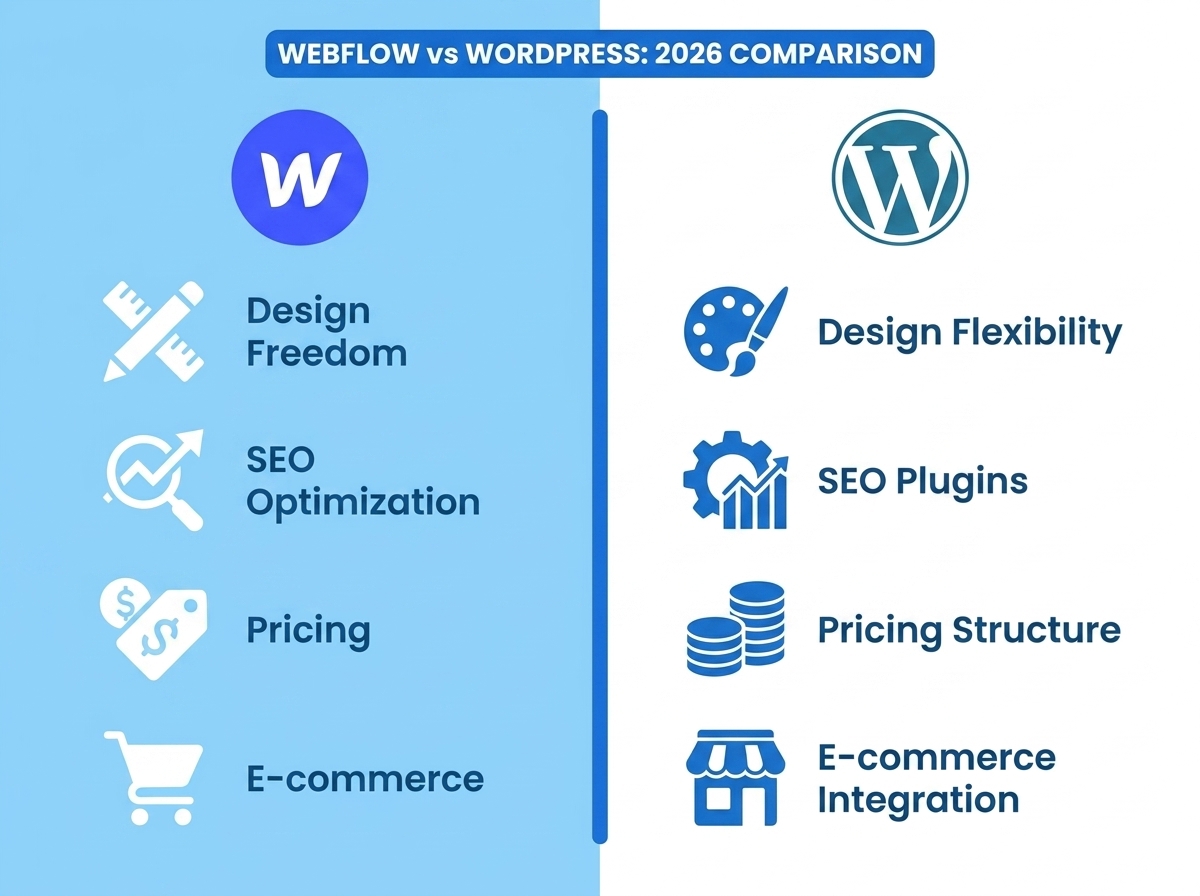
When evaluating Webflow vs WordPress in 2026, it helps to look at the factors that actually matter to your business — not just the tech specs. Here’s a practical breakdown:
Ease of Use
- WordPress has a familiar dashboard, but managing plugins, themes, and updates requires ongoing attention. Many business owners rely on developers or agencies to keep things running smoothly.
- Webflow has a steeper initial learning curve, but once you’re in, the visual editor is intuitive and everything is in one place. No plugin conflicts, no surprise updates breaking your site.
Design Flexibility
- WordPress themes can look great, but truly custom designs often require a developer or a premium page builder like Elementor or Divi.
- Webflow gives you design-level control right out of the box. If you can imagine it, you can usually build it — without writing a single line of code.
SEO Capabilities
- WordPress has excellent SEO potential, especially with plugins like Yoast or Rank Math. It’s been the go-to for content-heavy sites and blogs for years.
- Webflow has built-in SEO controls, clean code output, and fast load times — all of which Google loves. It’s catching up fast and is a strong contender for SEO in 2026.
If SEO is a top priority for your business, check out our guide on SEO strategies for small businesses to see how your platform choice fits into your broader search strategy.
Pricing
- WordPress itself is free, but costs add up quickly — hosting, premium themes, plugins, and developer time can push your annual spend well past $1,000.
- Webflow plans start around $14/month and go up based on features and traffic. It’s an all-in-one cost, which makes budgeting more predictable.
E-Commerce
- WordPress with WooCommerce is one of the most powerful e-commerce setups available — highly customizable and scalable.
- Webflow’s e-commerce features have improved significantly but are still better suited for smaller product catalogs. For large-scale stores, WordPress/WooCommerce still has the edge.
Which Platform Is Right for Your Business in 2026?
Here’s the honest answer: it depends on your goals, your team, and how you plan to grow. There’s no one-size-fits-all winner in the Webflow vs WordPress 2026 conversation — but there are clear patterns that point businesses in one direction or the other.
Choose Webflow If You:
- Want a beautifully designed site without managing hosting, plugins, or updates
- Are a service-based business, agency, or creative professional
- Value design quality and brand presentation above all else
- Don’t have a dedicated developer on your team
- Want fast load times and clean SEO out of the box
Choose WordPress If You:
- Need a content-heavy site with a large blog or resource library
- Plan to run a full e-commerce store with hundreds of products
- Want maximum plugin flexibility and third-party integrations
- Have access to a developer or technical support
- Need a membership site, LMS, or complex custom functionality
Many of our clients at LetsGetSocialOnline.com are small business owners who want a site that looks great, loads fast, and doesn’t require constant technical babysitting. For that profile, Webflow is increasingly becoming our top recommendation in 2026. That said, if you’re running a content-driven SEO strategy or a growing online store, WordPress still holds its own. Want to see how your website fits into your overall digital marketing strategy? Explore our digital marketing services for small businesses to get the full picture.
What About Automation and Integrations?
One thing business owners often overlook when choosing a platform is how well it connects with the rest of their marketing stack. Both Webflow and WordPress integrate with tools like Zapier and Make.com — which means you can automate lead capture, CRM updates, email sequences, and more, regardless of which platform you choose.
If you’re not already using automation in your business, you’re leaving time and money on the table. Learn how Make.com automation can streamline your business workflows and work seamlessly with your website platform.
- Webflow is ideal for service businesses and creatives who want design control without technical headaches.
- WordPress is still the best choice for large content sites, complex e-commerce, and maximum plugin flexibility.
- Both platforms support strong SEO — your strategy and content matter more than the platform itself.
- Webflow’s all-in-one pricing is more predictable; WordPress costs can vary widely depending on your setup.
- Whichever platform you choose, pairing it with automation tools like Make.com can dramatically improve your marketing efficiency.
Still not sure which platform is the right fit for your business? You don’t have to figure it out alone. At LetsGetSocialOnline.com, we help small businesses and entrepreneurs build websites that are fast, beautiful, and built to convert — on the platform that actually makes sense for your goals.
Ready to get started? Contact our team today and let’s find the right solution for your business in 2026.