
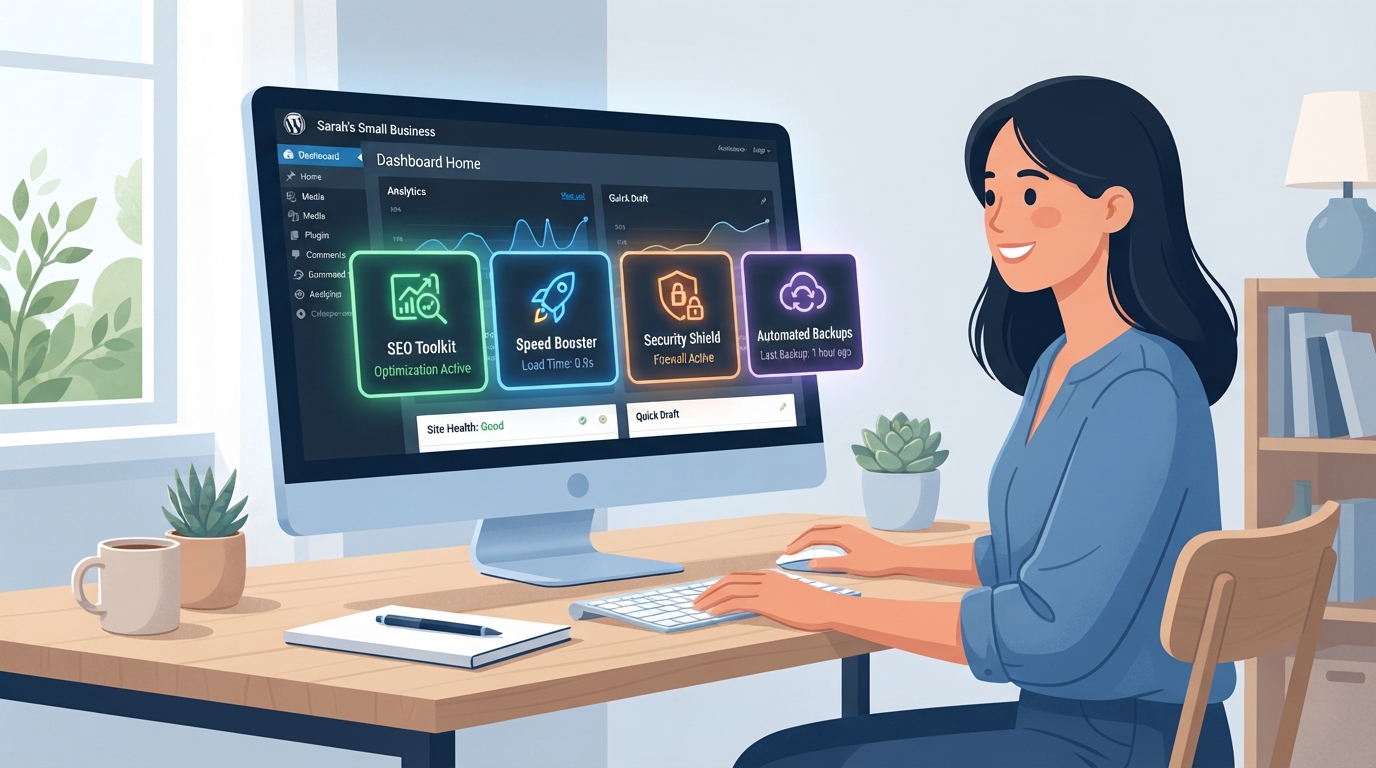
If your small business runs on WordPress, the plugins you choose can make or break your website’s performance. Whether you’re trying to rank higher on Google, load faster, or convert more visitors into customers, the must have WordPress plugins 2026 list has evolved — and it’s time to make sure your site is keeping up. In this guide, we’re breaking down the essential plugins every small business website should have installed and activated right now.
Why the Right WordPress Plugins Matter More Than Ever
WordPress powers over 40% of all websites on the internet, and with that popularity comes a massive plugin marketplace — over 59,000 options and counting. The problem? Not all plugins are created equal, and installing the wrong ones can slow your site down, create security vulnerabilities, or simply waste your time.
In 2026, Google’s ranking signals are more sophisticated than ever. Page speed, Core Web Vitals, mobile usability, and structured data all play a role in where your site shows up in search results. The right plugins help you check all those boxes without needing to hire a developer for every little update. Think of them as your behind-the-scenes team working 24/7 to keep your site healthy and competitive.
If you’re building or redesigning your site, be sure to check out our guide on WordPress website design tips for small businesses to make sure your foundation is solid before layering in plugins.
Must Have WordPress Plugins 2026: The Core Categories
SEO Plugins
Search engine optimization is non-negotiable if you want organic traffic. Rank Math and Yoast SEO remain the top two choices heading into 2026. Both offer on-page SEO analysis, XML sitemaps, schema markup, and social media previews. Rank Math has gained significant ground thanks to its AI-powered suggestions and generous free tier.
- Rank Math SEO — Best for users who want advanced features without paying extra
- Yoast SEO — Trusted, beginner-friendly, and widely supported
- All in One SEO (AIOSEO) — Great for eCommerce and local SEO needs
Whichever you choose, only install one SEO plugin. Running two at the same time causes conflicts and can actually hurt your rankings.
Speed and Performance Plugins
A slow website loses customers — it’s that simple. Studies show that a one-second delay in page load time can reduce conversions by up to 7%. In 2026, speed is both a user experience issue and a direct Google ranking factor.
- WP Rocket — The gold standard for caching and performance optimization (premium, worth every penny)
- LiteSpeed Cache — Excellent free option, especially if your host uses LiteSpeed servers
- Smush or ShortPixel — Image compression plugins that dramatically reduce file sizes without sacrificing quality
Pair a caching plugin with a content delivery network (CDN) like Cloudflare for maximum speed gains across all devices and locations.
Security Plugins
Small businesses are increasingly targeted by hackers — not because they’re high-profile, but because they’re often less protected. A good security plugin monitors your site for threats, blocks malicious login attempts, and alerts you if something goes wrong.
- Wordfence Security — Comprehensive firewall and malware scanner with real-time threat intelligence
- Solid Security (formerly iThemes Security) — User-friendly with strong brute force protection
- WP Activity Log — Tracks every change made on your site, invaluable for accountability
Don’t wait until something goes wrong to think about security. Installing a security plugin today is one of the smartest and most affordable things you can do for your business website.
Plugins That Drive Leads and Sales
Contact Forms and Lead Capture
Your website should be working to generate leads around the clock. A reliable contact form plugin is essential for capturing inquiries, booking requests, and newsletter signups. WPForms is the most beginner-friendly option on the market, with a drag-and-drop builder and pre-built templates for common business needs. Gravity Forms is the go-to for more complex forms with conditional logic and payment integrations.
Popups and Conversion Tools
OptinMonster and Hustle are two popular options for creating exit-intent popups, slide-ins, and embedded opt-in forms. These tools help you capture email addresses before visitors leave your site — turning what would have been a lost visitor into a future customer. When used thoughtfully (not aggressively), conversion plugins can significantly grow your email list.
eCommerce Plugins
If you sell products or services online, WooCommerce remains the dominant eCommerce solution for WordPress in 2026. It’s free, flexible, and supported by thousands of extensions. For service-based businesses selling digital products or booking appointments, Easy Digital Downloads or Amelia Booking are excellent alternatives worth exploring.
Want to learn more about turning your website into a sales machine? Read our post on small business website conversion tips for actionable strategies you can implement today.
Backup and Maintenance Plugins You Shouldn’t Skip
No plugin list is complete without mentioning backups. If your site crashes, gets hacked, or a plugin update breaks something, a recent backup is the difference between a 10-minute fix and a full-blown disaster. UpdraftPlus is the most popular free backup plugin, allowing you to schedule automatic backups to Google Drive, Dropbox, or Amazon S3.
For ongoing maintenance, ManageWP or MainWP let you manage updates, backups, and performance monitoring across multiple WordPress sites from one dashboard — a huge time-saver if you manage more than one website. Pair these with a staging environment so you can test plugin updates before pushing them live.
Automation can also play a big role in keeping your site running smoothly. If you’re curious how tools like Make.com can connect your WordPress site to your CRM, email marketing, and more, check out our guide on Make.com automation for small businesses.
Key Takeaways
- The must have WordPress plugins 2026 cover five core areas: SEO, speed, security, lead generation, and backups.
- Only install one SEO plugin — running two simultaneously causes conflicts and can hurt your rankings.
- Speed plugins like WP Rocket combined with a CDN can dramatically improve your Core Web Vitals scores.
- Security plugins like Wordfence protect your site 24/7 and are essential even for small business websites.
- Always back up your site before installing or updating plugins — UpdraftPlus makes this easy and free.
Ready to Build a Better WordPress Website?
Choosing the right plugins is just one piece of the puzzle. A truly high-performing small business website needs a solid strategy behind it — from design and SEO to automation and lead generation. The good news? You don’t have to figure it all out on your own.
At LetsGetSocialOnline.com, we help small businesses and entrepreneurs build, optimize, and grow their WordPress websites with the right tools and strategies in place. Whether you need a full website redesign, an SEO audit, or help setting up the must have WordPress plugins 2026 demands, our team is ready to help.
Contact us today and let’s build a website that works as hard as you do.