
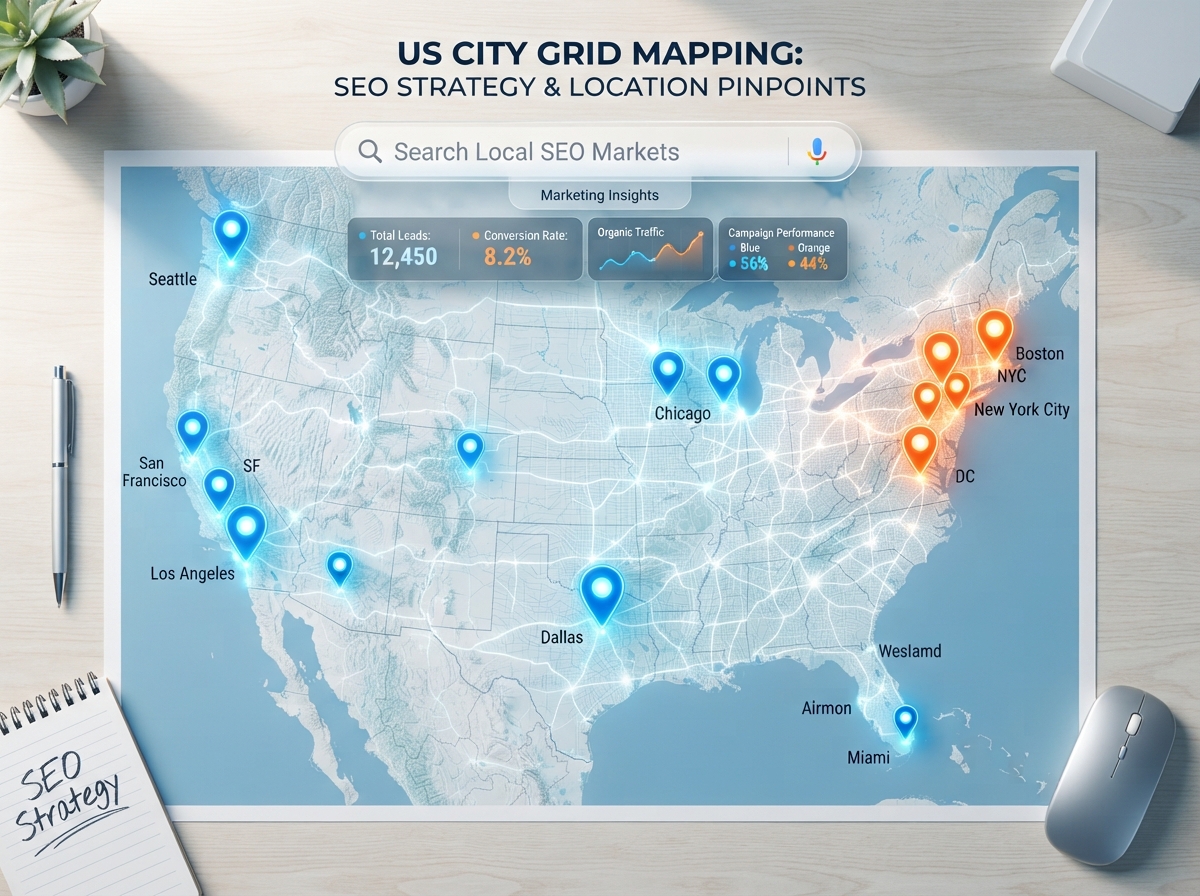
If your business serves customers in more than one city or town, you already know the challenge: how do you show up in Google searches across all those locations without building a separate website for each one? The answer is service area pages SEO — a smart, scalable strategy that lets you rank in multiple cities using a single, well-structured website. In this guide, you’ll learn exactly how to build these pages the right way so they actually drive traffic and bring in real leads.
What Are Service Area Pages and Why Do They Matter?
Service area pages (also called city landing pages or geo-targeted pages) are individual pages on your website dedicated to a specific city, town, or region you serve. Each page is optimized to rank when someone in that location searches for your type of business. Think “plumber in Austin” or “social media manager in Tampa” — those searches are exactly what these pages are designed to capture.
For small businesses and service providers, this is one of the most powerful local SEO moves you can make. Instead of hoping your homepage ranks everywhere, you give Google a clear, location-specific signal for each area you serve. The result? More visibility, more clicks, and more customers — without paying for ads.
Who Should Use Service Area Pages?
- Home service businesses (plumbers, electricians, landscapers)
- Marketing agencies and consultants serving multiple cities
- Healthcare providers with multiple service regions
- Real estate agents covering several neighborhoods or counties
- Any business that serves clients remotely or travels to them
If you serve more than one location — even if you don’t have a physical office there — service area pages can help you compete in those local search results. This is especially valuable if you’re up against larger competitors with bigger budgets.
How to Build Service Area Pages That Actually Rank
Here’s where most businesses go wrong: they create a dozen city pages that are basically identical, just swapping out the city name. Google sees right through this. Thin, duplicate content won’t rank — and it can actually hurt your site. The key is creating pages that are genuinely useful and locally relevant.
1. Write Unique, Location-Specific Content
Each service area page should feel like it was written specifically for that city. Mention local landmarks, neighborhoods, or community details that show you actually know the area. Describe the specific services you offer there, any local challenges your customers face, and why your business is the right fit for that community.
Aim for at least 400–600 words per page. That’s enough to give Google something to work with while keeping the content focused and readable for your visitors. Don’t pad it — make every sentence count.
2. Optimize Each Page for Local Keywords
Your page title, meta description, H1 heading, and first paragraph should all include your target keyword — something like “[Your Service] in [City Name].” Use natural variations throughout the page, such as “serving [City] residents” or “trusted [service] near [City].” Avoid stuffing the city name in every sentence; write for humans first, search engines second.
Also include your NAP information (Name, Address, Phone Number) on each page, even if it’s your main business address. Consistency across your website and Google Business Profile builds trust with both users and search engines. You can learn more about this in our guide on local SEO best practices for small businesses.
3. Add Social Proof and Local Relevance
If you have reviews or testimonials from customers in that city, feature them on the page. A quote from a happy client in Dallas on your Dallas service page is incredibly powerful — it’s relevant, trustworthy, and unique. You can also embed a Google Map, list nearby service areas, or include a FAQ section with locally relevant questions.
4. Use a Clean, Consistent URL Structure
Keep your URLs simple and descriptive. A structure like /services/[city-name] or /[service]-in-[city-name] works well. Avoid long, messy URLs with numbers or random characters. A clean URL tells both Google and your visitors exactly what the page is about before they even click.
Common Mistakes to Avoid With Service Area Pages
Even well-intentioned businesses make mistakes when building out their city pages. Here are the most common pitfalls — and how to sidestep them.
- Copy-pasting content: Changing only the city name creates duplicate content that Google will ignore or penalize.
- Creating too many pages at once: Start with your top 5–10 priority cities and build quality pages before scaling.
- Forgetting internal links: Link your service area pages to each other and to your main services pages to strengthen your site structure.
- No calls-to-action: Every page should have a clear next step — a contact form, phone number, or booking link.
- Ignoring page speed and mobile design: Local searchers are often on mobile. A slow or clunky page will cost you leads.
If your website isn’t set up to support this kind of content strategy, it may be time to revisit your site’s foundation. Check out our post on website design essentials for small businesses to make sure your site is built to convert.
How to Scale Your Service Area Pages Over Time
Once you’ve built your first round of city pages and they start gaining traction, you can expand strategically. Use Google Search Console to see which locations are already sending you organic traffic — those are signals of where to double down. You can also use tools like Google Keyword Planner or Ubersuggest to find high-value search terms in new target cities.
Consider creating a service area hub page — a main page that lists all the cities you serve and links out to each individual city page. This improves your internal linking structure and makes it easy for both users and Google to navigate your coverage area. Pair this with a well-optimized Google Business Profile and consistent local citations, and you’ve got a solid multi-city SEO foundation.
For businesses using automation tools, you can even streamline the content creation and publishing process. Our guide on Make.com automation for digital marketers shows you how to save time while scaling your content strategy.
- Service area pages SEO lets you rank in multiple cities from a single website — without building separate sites.
- Each page must have unique, locally relevant content to rank well and avoid duplicate content penalties.
- Optimize titles, headings, and body copy with location-specific keywords naturally and consistently.
- Add social proof, local details, and clear calls-to-action to turn visitors into leads.
- Start with your top priority cities, build quality pages, then scale strategically using data.
Service area pages are one of the highest-ROI strategies available to local and regional businesses. Done right, they put your business in front of the right people in the right cities — exactly when they’re ready to hire someone like you. The key is quality over quantity and a commitment to making each page genuinely useful.
Ready to build a website that ranks across every city you serve? Contact the team at LetsGetSocialOnline.com and let’s create a local SEO strategy that puts your business on the map — literally.