
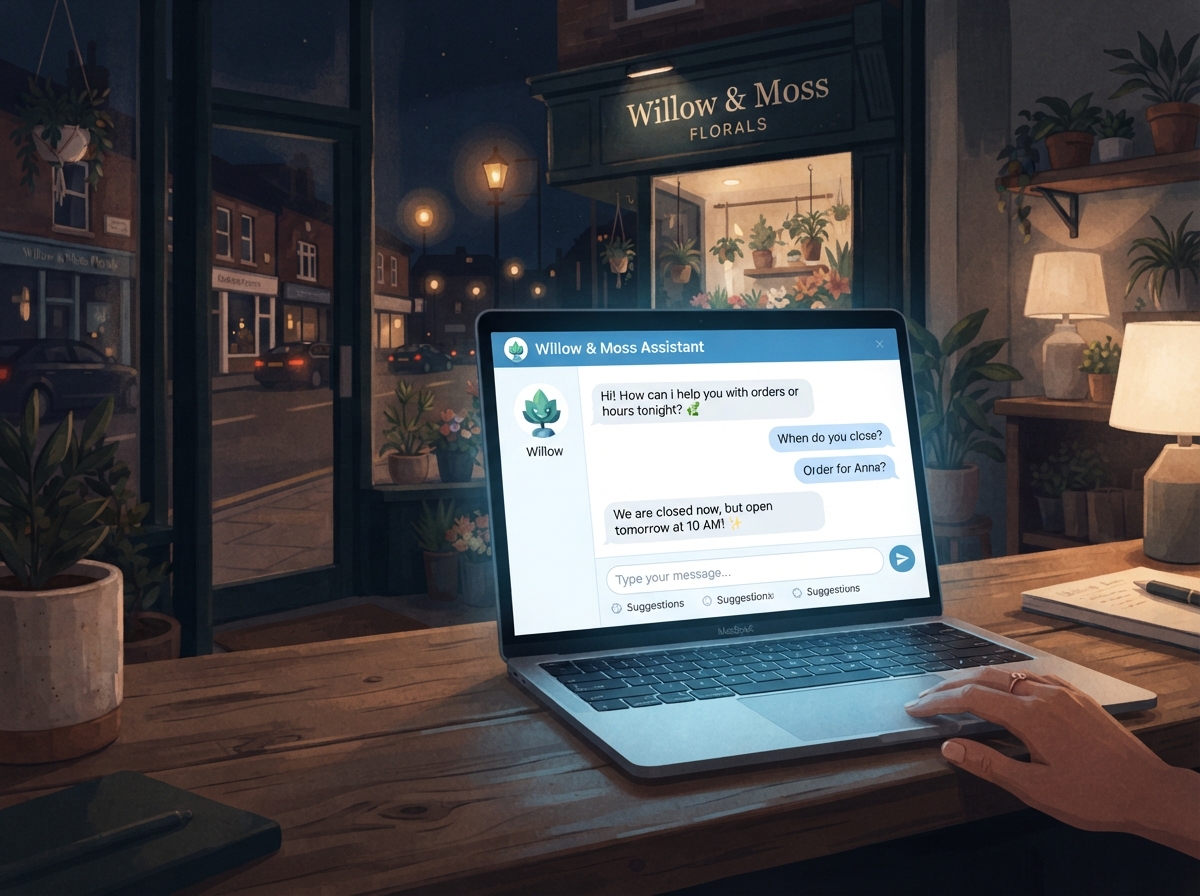
If you’ve ever wished you could answer customer questions at 2 a.m. without actually being awake, AI chatbot customer service might be exactly what your business needs. More small businesses are turning to chatbots to handle routine inquiries, qualify leads, and keep visitors engaged — all without hiring extra staff. In this guide, we’ll walk you through what AI chatbots actually do, why they’re worth considering, and how to get one set up on your website without needing a tech background.
What Is AI Chatbot Customer Service?
An AI chatbot is a software tool that uses artificial intelligence to simulate a real conversation with your website visitors. Unlike the clunky, scripted bots of the past, today’s AI-powered chatbots can understand natural language, answer complex questions, and even hand off conversations to a human when needed.
For small businesses, this means you can provide instant, around-the-clock support without being glued to your phone or inbox. Whether someone wants to know your business hours, ask about pricing, or get help with an order, a chatbot can handle it — fast.
How Is It Different from a Live Chat Widget?
A traditional live chat widget connects a visitor directly to a human agent. An AI chatbot, on the other hand, responds automatically using trained data and machine learning. Many modern tools combine both — the bot handles the first response, and a human steps in when the conversation gets more complex. This hybrid approach gives you the best of both worlds.
Why Your Business Should Consider Adding a Chatbot
The numbers don’t lie — customers expect fast responses. Studies show that over 60% of consumers prefer getting an immediate answer from a chatbot rather than waiting for a human to respond. For small business owners juggling a dozen tasks at once, that’s a game-changer.
Here are some of the biggest benefits of using AI chatbot customer service on your website:
- 24/7 availability — Your chatbot never sleeps, takes a lunch break, or calls in sick.
- Lead capture — Bots can collect names, emails, and phone numbers before a visitor bounces.
- Reduced support load — Handle FAQs automatically so your team focuses on higher-value tasks.
- Improved customer experience — Visitors get answers instantly instead of waiting hours for an email reply.
- Cost savings — Automating routine support is far more affordable than hiring additional staff.
If you’re already using tools to automate other parts of your business, adding a chatbot is a natural next step. You can even connect it to your CRM or email marketing platform to create a seamless workflow. Check out our guide on Make.com automation for small businesses to see how these tools can work together.
How to Set Up an AI Chatbot on Your Website
Setting up a chatbot doesn’t require a developer or a big budget. Most modern platforms are designed with non-technical users in mind, and many offer free plans to get started. Here’s a simple step-by-step process to follow.
Step 1: Choose the Right Chatbot Platform
There are several solid options depending on your needs and budget. Some of the most popular tools for small businesses include:
- Tidio — Great for e-commerce and service businesses; easy to install on WordPress or Shopify.
- Intercom — More robust, ideal if you want advanced automation and CRM integration.
- ManyChat — Best for businesses that also want to automate Instagram and Facebook Messenger.
- Chatbase — Lets you train a custom AI chatbot on your own content and FAQs.
- Drift — Popular for B2B businesses focused on lead generation and sales conversations.
Start by identifying your primary goal — is it customer support, lead generation, or both? That will help you narrow down the right tool for your situation.
Step 2: Train Your Chatbot with the Right Information
Once you’ve chosen a platform, you’ll need to feed it the information it needs to be helpful. This typically includes your FAQs, product or service descriptions, pricing details, and any common questions your team regularly answers. The more relevant content you provide, the smarter and more useful your bot becomes.
Many platforms let you upload documents, paste in website URLs, or manually enter Q&A pairs. Take your time here — a well-trained chatbot will save you far more time in the long run than one that gives vague or incorrect answers.
Step 3: Customize the Look and Tone
Your chatbot should feel like a natural extension of your brand. Most platforms let you customize the chat widget’s colors, avatar, and greeting message. More importantly, you can set the tone of voice — whether that’s professional and formal or friendly and conversational. Make sure it matches how your brand already communicates with customers.
Step 4: Install It on Your Website
Installation is usually as simple as copying a snippet of code and pasting it into your website’s header or footer. If you’re using WordPress, most chatbot tools have a dedicated plugin that makes this even easier. Once it’s live, test it thoroughly — ask it the kinds of questions your real customers would ask and refine the responses as needed.
Want help making sure your website is set up to convert visitors in the first place? Take a look at our post on website design tips for small businesses to make sure your site is working as hard as your new chatbot.
Tips for Getting the Most Out of Your Chatbot
Setting up the chatbot is just the beginning. To get real results, you’ll want to treat it like any other marketing tool — monitor it, improve it, and keep it updated. Here are a few best practices to keep in mind:
- Review chatbot transcripts regularly to spot gaps in its knowledge.
- Update your bot whenever your pricing, services, or policies change.
- Set up a clear handoff to a human agent for complex or sensitive issues.
- Use the chatbot to collect email addresses and feed them into your email marketing list.
- A/B test different greeting messages to see which ones get more engagement.
AI chatbot customer service works best when it’s treated as a living tool, not a set-it-and-forget-it solution. A little ongoing attention goes a long way toward keeping your customers happy and your leads flowing. For more ideas on using AI to grow your business, explore our AI tools for small business resource guide.
- AI chatbot customer service allows your business to respond to visitors 24/7 without extra staff.
- Modern chatbot platforms like Tidio, ManyChat, and Chatbase are beginner-friendly and affordable.
- Training your bot with accurate, detailed information is the most important step in the setup process.
- Customize your chatbot’s tone and appearance to match your brand for a seamless customer experience.
- Regularly review transcripts and update your bot to keep it accurate and effective over time.
Ready to add an AI chatbot to your website but not sure where to start? Let’s Get Social Online helps small businesses and entrepreneurs implement smart digital tools that save time and drive real results. Whether you need help choosing the right platform, setting up your bot, or integrating it with your existing marketing stack, we’ve got you covered.
Contact us today and let’s build a smarter customer experience for your business — together.