
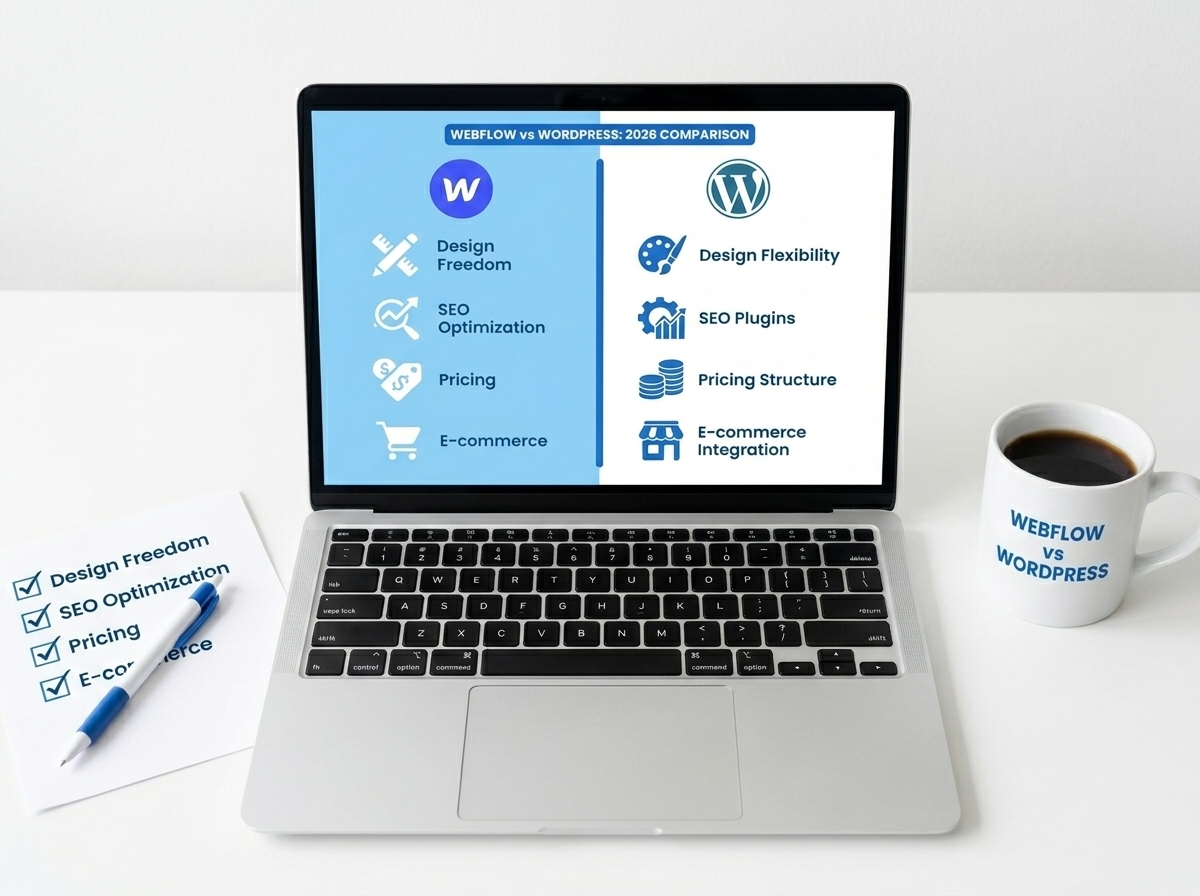
Redesigning your website is one of the most exciting — and nerve-wracking — things you can do for your business. There’s a lot riding on it: your brand, your traffic, your leads, and your credibility. That’s exactly why having a solid website redesign checklist is non-negotiable before you hit that publish button. Whether you’re doing a full overhaul or a strategic refresh, these 15 steps will help you launch with confidence and avoid the mistakes that can cost you rankings, leads, and customers.
Why a Website Redesign Checklist Matters
Most business owners focus on how the new site looks — and that’s important. But what often gets overlooked is everything happening behind the scenes: SEO settings, broken links, page speed, mobile responsiveness, and more. Skipping these steps can mean launching a beautiful site that nobody finds, or worse, one that drives visitors away.
A structured checklist keeps you from making expensive, time-consuming mistakes. Think of it as your pre-flight safety check before takeoff. You wouldn’t skip that on a plane, and you shouldn’t skip it on your website either.
Before You Launch: Technical and SEO Essentials
1. Audit Your Existing Content
Before anything goes live, take stock of what you already have. Identify your top-performing pages using Google Analytics or Search Console, and make sure that content is preserved or improved — not accidentally deleted. Losing high-ranking pages is one of the most common (and painful) redesign mistakes.
2. Set Up 301 Redirects
If any of your URLs are changing — and they often do during a redesign — you need 301 redirects in place. These tell search engines and browsers where to find your content at its new address. Without them, you’ll lose your SEO equity and send visitors to dead-end 404 pages.
3. Check Your Page Speed
A slow website kills conversions. Use tools like Google PageSpeed Insights or GTmetrix to test your new site’s load time before launch. Aim for under 3 seconds on both desktop and mobile. Compress images, minimize scripts, and use a reliable hosting provider to keep things fast.
4. Test Mobile Responsiveness
More than half of all web traffic comes from mobile devices. Your redesigned site must look and function perfectly on smartphones and tablets. Test it on multiple screen sizes and real devices — not just a browser simulator — before you go live.
5. Verify Your SSL Certificate
Your site should load with HTTPS, not HTTP. An SSL certificate protects your visitors’ data and is a confirmed Google ranking factor. If your certificate isn’t active or is set up incorrectly, browsers will flag your site as “Not Secure” — and that’s a trust-killer.
6. Update Your XML Sitemap and Robots.txt
Make sure your XML sitemap reflects your new site structure and submit it to Google Search Console. Also double-check your robots.txt file to ensure you’re not accidentally blocking search engines from crawling your new pages — a surprisingly common mistake during redesigns.
Content, Branding, and User Experience Checks
7. Proofread Every Page
Typos and grammatical errors undermine your credibility instantly. Go through every page — including your homepage, about page, service pages, and contact page — with fresh eyes. Better yet, have someone else read it too. Tools like Grammarly can help, but human review is irreplaceable.
8. Confirm Your Brand Consistency
Your fonts, colors, logo, and tone of voice should be consistent across every page. A disjointed look signals a lack of professionalism and confuses visitors. Make sure your brand identity is applied uniformly from the header to the footer.
9. Test All Forms and CTAs
Every contact form, newsletter signup, and call-to-action button needs to be tested before launch. Submit test entries and confirm they’re landing in the right inbox or CRM. A broken contact form means missed leads — and you may not even know it’s happening.
10. Review Your Navigation and Internal Links
Clear, intuitive navigation keeps visitors on your site longer and helps search engines understand your content structure. Check that all menu links work, internal links point to the right pages, and there are no orphaned pages sitting with no links pointing to them. Speaking of internal links — make sure you’re connecting related content throughout your site, like your SEO tips for small businesses or your web design services page.
11. Optimize Meta Titles and Descriptions
Every page needs a unique, keyword-rich meta title and meta description. These are what show up in Google search results, so they directly impact your click-through rate. Don’t leave them blank or use auto-generated defaults — write them intentionally for each page.
Final Pre-Launch Steps You Can’t Skip
12. Set Up Google Analytics and Search Console
Make sure your tracking codes are installed and verified before launch. You want data flowing from day one so you can monitor traffic, spot issues, and measure the impact of your redesign. If you’re using a tag manager, double-check that all tags are firing correctly.
13. Back Up Your Old Site
Before you push anything live, create a full backup of your existing site. If something goes wrong post-launch, you’ll want the ability to roll back quickly. Store the backup in a secure, off-server location just in case.
14. Test Cross-Browser Compatibility
Your site should look great in Chrome, Firefox, Safari, and Edge. What looks perfect in one browser can break in another. Run cross-browser tests using tools like BrowserStack or simply test manually across the most common browsers your audience uses.
15. Do a Final Stakeholder Review
Before going live, get sign-off from the key people in your business — whether that’s you, your team, or your clients. A fresh set of eyes often catches things that were missed during development. Once everyone’s aligned, you’re ready to launch.
Key Takeaways
- Always set up 301 redirects when URLs change to protect your SEO rankings.
- Test your site on mobile devices, multiple browsers, and for page speed before launch.
- Every form, CTA, and internal link should be tested and confirmed working.
- Install Google Analytics and Search Console before launch so you capture data from day one.
- A complete website redesign checklist protects your traffic, leads, and brand reputation.
Ready to Redesign Your Website the Right Way?
A website redesign is a major investment — and it deserves to be done right. This website redesign checklist gives you a clear roadmap to launch with confidence, protect your SEO, and deliver a great experience to every visitor who lands on your site. The details matter, and skipping steps can set your business back months.
If you’d rather have an expert team handle the heavy lifting, we’re here to help. At LetsGetSocialOnline.com, we specialize in strategic web design that’s built to perform — not just look pretty. From SEO setup to mobile optimization and everything in between, we make sure your site is launch-ready and growth-ready. Learn more about how we approach web design for small businesses and what we can do for your brand.
Don’t leave your redesign to chance. Contact our team today and let’s build a website that works as hard as you do.