
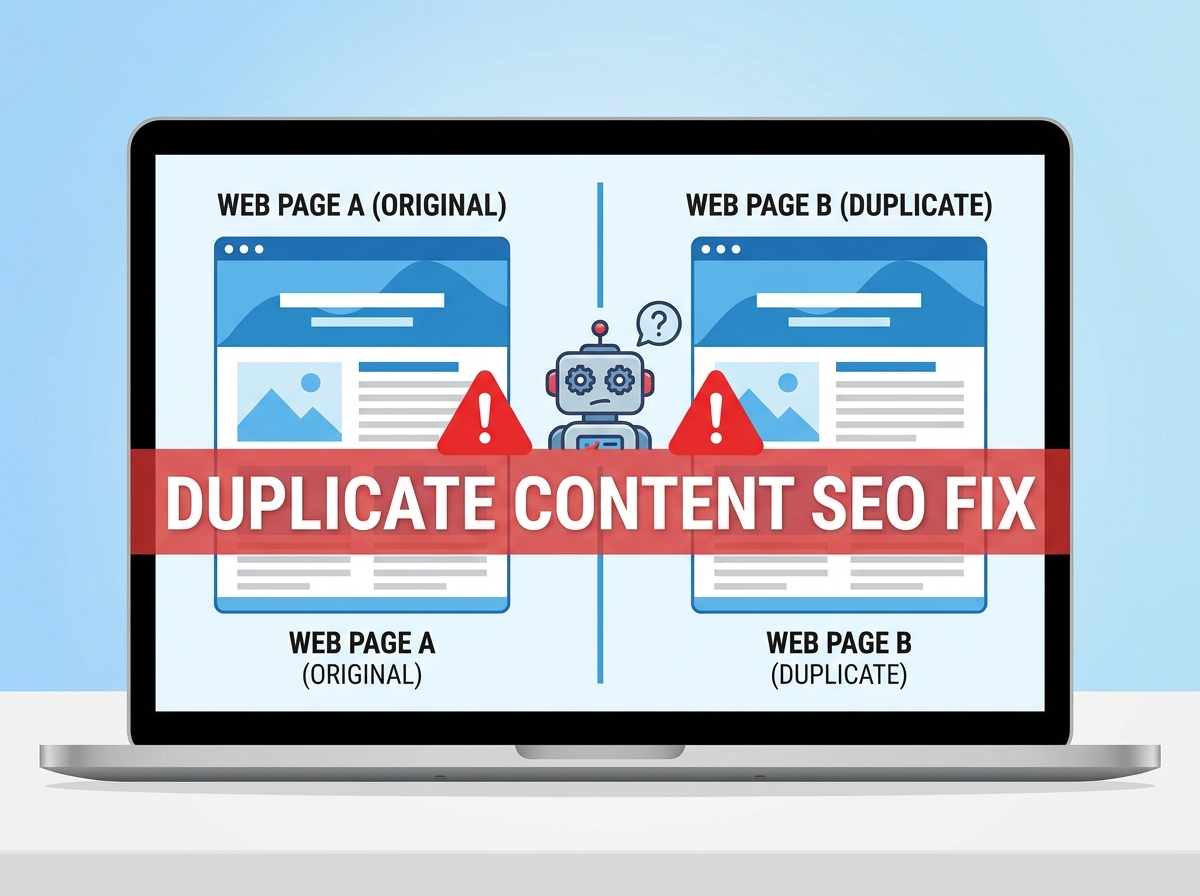
If your website isn’t ranking as well as you’d like, duplicate content might be the silent culprit. A proper duplicate content SEO fix can make a significant difference in how search engines crawl, index, and rank your pages. The good news? You don’t need to be a developer to understand the problem or take action. In this guide, we’ll break down exactly what duplicate content is, why it hurts your rankings, and what you can do about it today.
What Is Duplicate Content?
Duplicate content refers to blocks of text or entire pages that appear in more than one location on the internet — either on your own website or across different websites. Search engines like Google want to serve users the most relevant, original content possible. When they find the same content in multiple places, they get confused about which version to rank.
This confusion can lead to your pages competing against each other, splitting your ranking power and ultimately pushing all versions lower in search results. In some cases, Google may even choose to index a version of your content that you didn’t intend to be the “main” one.
Internal vs. External Duplicate Content
Internal duplicate content happens within your own website. Think of product pages with nearly identical descriptions, blog posts that cover the same topic with slightly different wording, or the same page accessible via multiple URLs (like with and without “www” or trailing slashes).
External duplicate content occurs when your content appears on other websites — sometimes because someone copied it, and sometimes because you syndicated it intentionally without proper SEO safeguards in place.
Why Duplicate Content Hurts Your SEO
Search engines have limited resources when crawling your site. When they encounter duplicate pages, they waste that crawl budget on redundant content instead of discovering and indexing your best, most valuable pages. Over time, this can slow down how quickly new content gets picked up by Google.
Beyond crawl budget, duplicate content dilutes your link equity — the ranking power passed through backlinks. If three different URLs all show the same content, any backlinks pointing to those pages are split three ways instead of consolidating authority to one strong page. That’s a real ranking disadvantage you don’t want to ignore.
Common Causes of Duplicate Content
- URL variations: HTTP vs. HTTPS, www vs. non-www, trailing slashes, and uppercase vs. lowercase URLs can all create duplicate versions of the same page.
- URL parameters: Tracking codes, session IDs, and filter parameters (common in e-commerce) can generate hundreds of near-identical URLs.
- Printer-friendly pages: Some websites automatically create a separate printable version of every page.
- Copied product descriptions: Using manufacturer-provided descriptions that dozens of other retailers also use.
- Syndicated content: Publishing your blog posts on platforms like Medium or LinkedIn without a canonical tag pointing back to your original.
- Pagination issues: Multi-page articles or category pages that repeat introductory content across every page.
If you run an online store, this is especially important. Check out our guide on e-commerce SEO tips for small businesses to learn how to handle product page duplication the right way.
How to Fix Duplicate Content on Your Website
The good news is that most duplicate content issues are fixable without a complete website overhaul. Here are the most effective strategies to implement right now.
1. Use Canonical Tags
A canonical tag is a small piece of HTML code that tells search engines which version of a page is the “official” one. If you have multiple URLs showing the same content, add a canonical tag to all versions pointing to your preferred URL. This consolidates ranking signals without deleting any pages.
Most SEO plugins like Yoast or Rank Math make it easy to set canonical URLs without touching any code. If you’re on WordPress, this is one of the quickest wins you can implement today.
2. Set Up 301 Redirects
If you have old pages, duplicate URLs, or outdated content that’s been replaced, use a 301 redirect to permanently point those URLs to the correct, updated page. This passes the full ranking authority from the old URL to the new one and eliminates the duplicate entirely.
3. Standardize Your URLs
Pick one version of your domain (www or non-www, HTTP or HTTPS) and stick with it. Set up redirects so all variations automatically point to your preferred format. Also configure your CMS to use consistent URL structures — no trailing slashes on some pages and not others.
4. Rewrite Thin or Copied Content
If you’ve been using manufacturer descriptions or recycled content, it’s time to rewrite them. Even a few unique sentences and a fresh perspective can differentiate your page from the competition. Original, helpful content is always going to outperform copied text in search results.
Need help creating content that actually ranks? Our team at LetsGetSocialOnline.com specializes in SEO content strategy for small businesses — we’d love to help you build a content plan that works.
5. Use Google Search Console
Google Search Console has a Coverage Report that flags duplicate content issues, including pages marked as “Duplicate without user-selected canonical” or “Duplicate, Google chose different canonical than user.” This is your best free tool for identifying exactly where the problems are on your site.
6. Handle URL Parameters in GSC
If your site uses URL parameters for tracking or filtering, you can tell Google how to handle them directly in Google Search Console under the Legacy Tools section. This prevents Google from crawling and indexing hundreds of near-identical parameter-based URLs.
Key Takeaways
- Duplicate content confuses search engines and splits your ranking power across multiple URLs.
- Common causes include URL variations, copied product descriptions, and syndicated content without canonical tags.
- Canonical tags are one of the fastest and easiest fixes for internal duplicate content issues.
- Use Google Search Console’s Coverage Report to identify duplicate content problems on your site.
- Rewriting thin or copied content with original, helpful information is a long-term SEO win that pays off over time.
Don’t Let Duplicate Content Hold Your Rankings Back
A solid duplicate content SEO fix isn’t just a technical cleanup — it’s an investment in your website’s long-term visibility and authority. When search engines can clearly identify your best content and consolidate ranking signals properly, your pages have a much better shot at climbing to the top of search results.
Whether you’re dealing with URL chaos, copied product descriptions, or syndication issues, the strategies above will put you on the right path. And if you want expert eyes on your website to catch issues you might be missing, we’re here to help. Learn more about our approach to professional SEO audits and how we help small businesses fix the technical issues holding them back.
Ready to stop guessing and start ranking? Contact the team at LetsGetSocialOnline.com today and let’s build an SEO strategy that actually moves the needle for your business.