
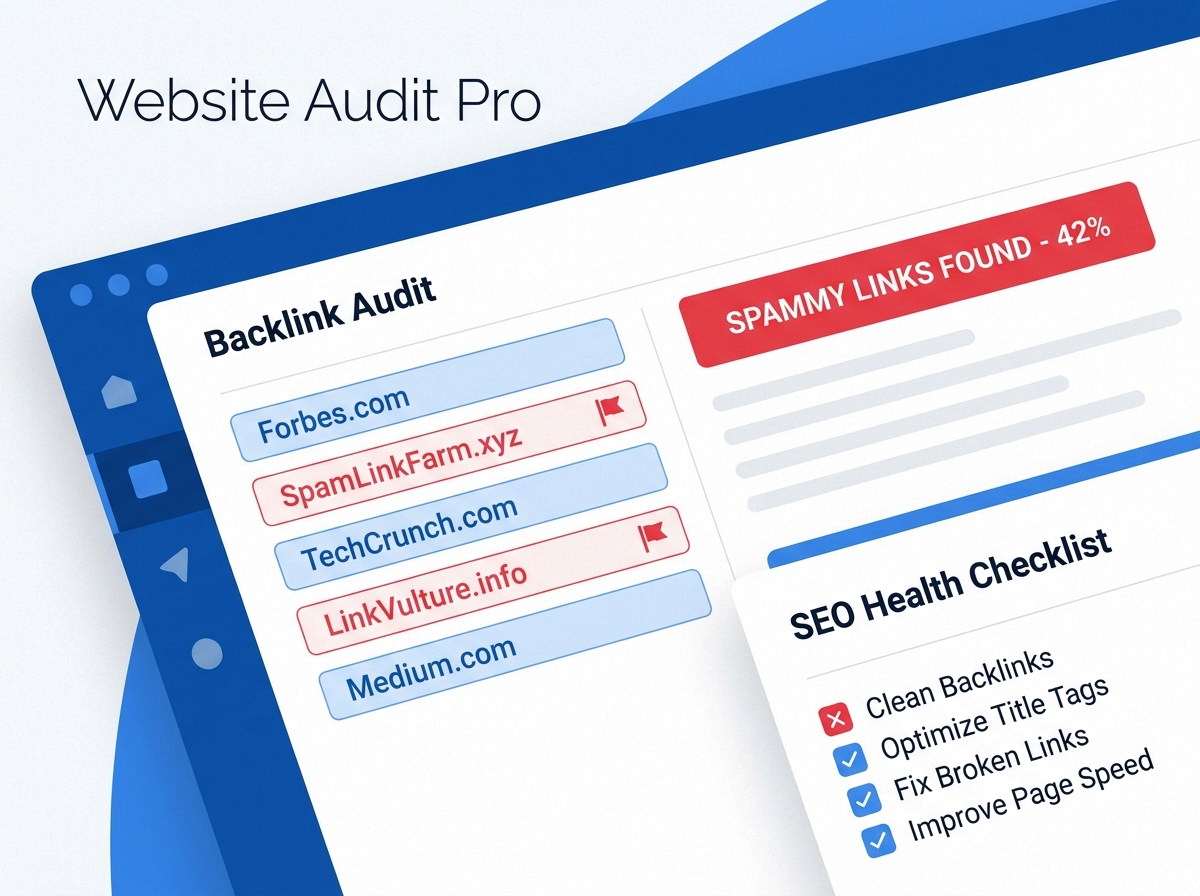
If your website rankings have been slipping — or you’re just not seeing the growth you expected — your backlink profile audit might be overdue. Backlinks are one of the most powerful ranking signals in SEO, but not all links are created equal. Some links can actually hurt your site more than help it. The good news? You can find and fix them without needing to be a technical expert.
In this guide, we’ll walk you through exactly how to audit your backlink profile, identify the links that are dragging you down, and take action to clean things up. Think of it as a health check for your website’s reputation.
Why Your Backlink Profile Matters
Search engines like Google use backlinks as votes of confidence. When a reputable website links to yours, it signals that your content is trustworthy and valuable. But when low-quality, spammy, or irrelevant sites link to you, it can send the opposite signal — and potentially trigger a manual penalty from Google.
Your backlink profile is the full collection of all external links pointing to your website. A healthy profile includes links from relevant, authoritative sources. A toxic profile is cluttered with links from link farms, spammy directories, or sites that have been penalized themselves.
Regularly auditing your backlinks helps you stay ahead of problems before they impact your rankings. It’s also a smart move if you’ve recently acquired a website or noticed a sudden drop in organic traffic. For more on building a strong SEO foundation, check out our beginner’s guide to SEO for small businesses.
Step 1 — Gather Your Backlink Data
Before you can clean anything up, you need to see what you’re working with. There are several tools that make this easy, even if you’re not a technical person.
Tools to Use
- Google Search Console — Free and directly from Google. Go to the “Links” section to see your top linking sites.
- Ahrefs — One of the most comprehensive backlink tools available. Great for detailed analysis.
- SEMrush — Offers a Backlink Audit tool that automatically flags toxic links.
- Moz Link Explorer — Good for checking domain authority and spotting suspicious links.
Export your full backlink list from at least one of these tools. You’ll want to see the linking domain, the anchor text used, and the domain authority or spam score of each source. The more data you have, the better decisions you can make.
Step 2 — Identify Toxic and Spammy Links
Once you have your data, it’s time to look for red flags. Not every low-authority link is toxic, but certain patterns are clear warning signs that a link could be hurting your backlink profile audit results.
Red Flags to Watch For
- Links from sites with a spam score above 30% (as measured by Moz)
- Links from completely unrelated industries or topics
- Sites that appear to exist only to sell links (link farms)
- Anchor text that is overly keyword-stuffed or unnatural
- Links from foreign-language sites with no relevance to your business
- Sites that have been deindexed by Google
- A sudden spike in backlinks from the same domain or IP address
Tools like SEMrush and Ahrefs will often assign a toxicity score to each link, which makes this step much faster. Trust those scores as a starting point, but use your own judgment too — context matters.
Step 3 — Remove or Disavow Toxic Links
Once you’ve identified the problematic links, you have two options: reach out to have them removed, or tell Google to ignore them using the disavow tool.
Option A: Request Link Removal
Find the contact information for the website owner and send a polite email asking them to remove the link. Keep it short and professional. This works best for links from real websites where someone is actually managing the content. Document every outreach attempt — you’ll need this if you later submit a disavow file.
Option B: Use Google’s Disavow Tool
If you can’t get a link removed — or the site looks completely abandoned — you can use Google’s Disavow Tool in Search Console. You’ll upload a text file listing the domains or URLs you want Google to ignore. This tells Google, “Don’t count these links when evaluating my site.”
Be careful here. Disavowing good links by mistake can actually hurt your rankings. Only disavow links you’re confident are toxic or unnatural. If you’re unsure, it’s worth getting a second opinion from an SEO professional. You can also learn more about how Google evaluates links in our post on how Google ranks websites.
Option C: Monitor and Repeat
A backlink audit isn’t a one-time task. Set a reminder to review your backlink profile every 3–6 months. New toxic links can appear at any time, especially if your site is growing in visibility. Staying proactive keeps your site protected.
Key Takeaways
- A backlink profile audit helps you identify links that could be hurting your search rankings.
- Use tools like Google Search Console, Ahrefs, or SEMrush to gather and analyze your backlink data.
- Look for red flags like high spam scores, irrelevant linking domains, and unnatural anchor text.
- Remove toxic links by contacting site owners or using Google’s Disavow Tool in Search Console.
- Audit your backlinks every 3–6 months to stay ahead of new threats to your SEO health.
Keep Your SEO Clean and Competitive
A clean backlink profile is one of the most underrated parts of a strong SEO strategy. While most business owners focus on creating content and building new links, the links already pointing to your site can quietly work against you if left unchecked. Running a regular backlink profile audit gives you the visibility you need to protect your rankings and your reputation.
The process doesn’t have to be overwhelming. Start with free tools, focus on the biggest red flags first, and take it one step at a time. If you’d rather have an expert handle it for you, that’s exactly what we’re here for.
Want help auditing your backlinks and building a healthier SEO strategy? Explore our SEO services for small businesses or reach out to our team today.
Ready to clean up your backlink profile and boost your rankings? Contact us at LetsGetSocialOnline.com and let’s build an SEO strategy that actually works for your business.