
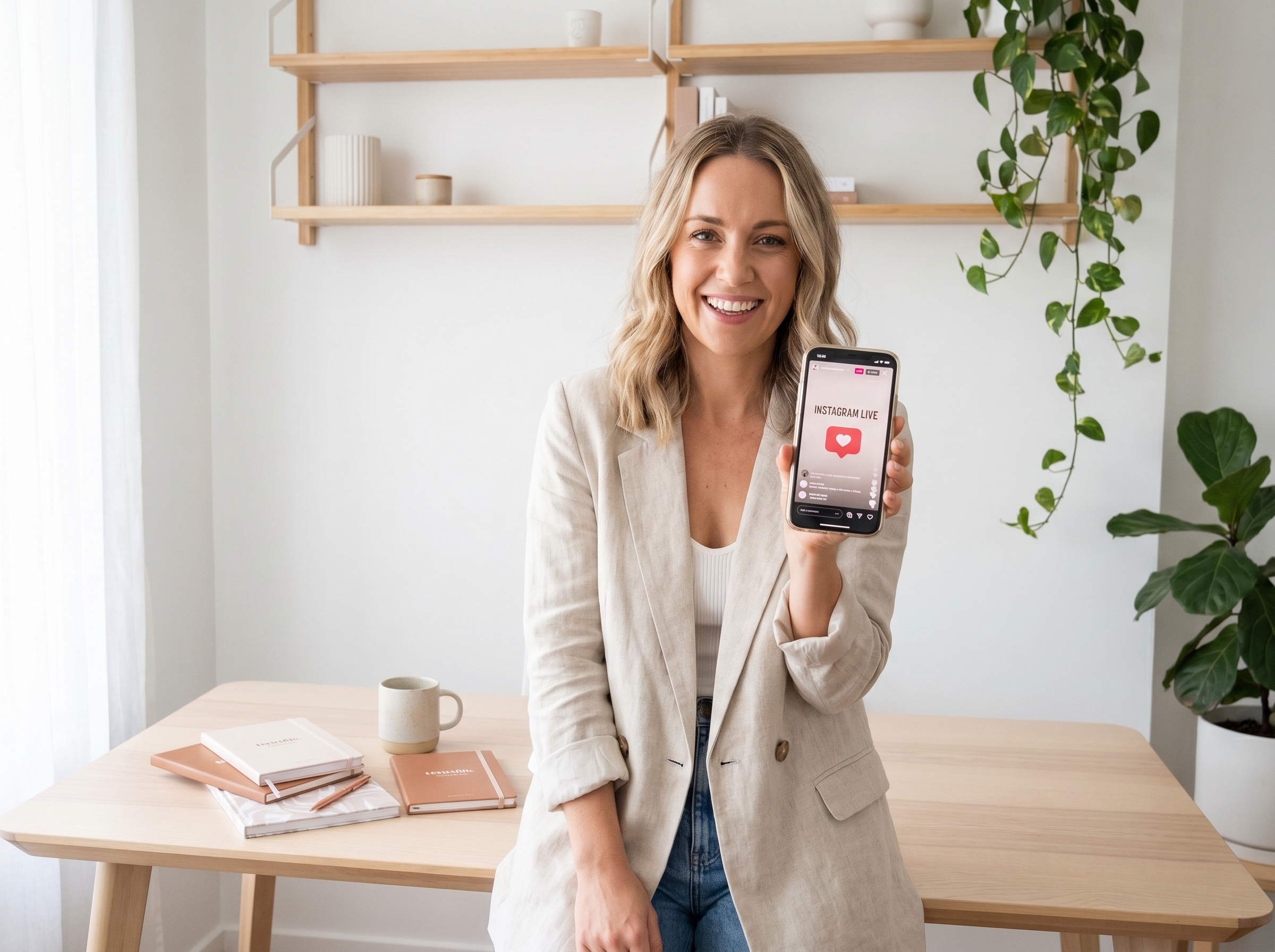
If you’ve been scrolling past the “Go Live” button on Instagram, it’s time to stop and take notice. Instagram Live for business is one of the most powerful — and underused — tools available to small business owners and entrepreneurs today. It lets you connect with your audience in real time, showcase your expertise, and build the kind of trust that turns followers into paying clients.
The good news? You don’t need a fancy studio, a film crew, or years of on-camera experience. You just need a smartphone, a clear message, and a little strategy. Let’s walk through exactly how to make Instagram Live work for your business.
Why Instagram Live Is a Game-Changer for Small Businesses
Live video consistently outperforms pre-recorded content when it comes to engagement. Instagram’s own algorithm tends to prioritize Live broadcasts, pushing notifications to your followers and bumping your stream to the front of Stories. That means more eyes on your brand — for free.
Beyond the algorithm boost, going live creates a sense of authenticity that polished posts simply can’t replicate. When people see the real you — answering questions, sharing insights, and showing up consistently — they begin to trust you. And trust is what drives buying decisions.
The Business Benefits of Going Live
- Increased visibility: Instagram notifies your followers when you go live, giving you an instant audience.
- Real-time engagement: Viewers can ask questions and leave comments, creating a two-way conversation.
- Authority building: Sharing your knowledge live positions you as an expert in your field.
- Lead generation: You can direct viewers to your services, website, or a free offer during the broadcast.
- Repurposable content: After your Live ends, you can save and share the replay as a Reel or Story.
How to Prepare for Your First Instagram Live
Preparation is the difference between a Live that converts and one that falls flat. You don’t need a script, but you do need a plan. Before you hit that button, take a few minutes to set yourself up for success.
Choose a Topic That Solves a Problem
Think about the questions your ideal clients ask most often. Your Live topic should answer one of those questions directly. For example, if you’re a social media manager, you might go live on “5 Instagram mistakes that are costing you followers.” Specific, value-driven topics attract the right viewers — the ones who are already interested in what you offer.
Promote Your Live in Advance
Don’t just go live and hope people show up. Announce it at least 24–48 hours ahead of time using Stories, feed posts, and even your email list. Tell your audience exactly what they’ll learn and why they shouldn’t miss it. You can also use Instagram’s built-in Live scheduling feature to create a countdown and let followers set a reminder.
Set Up Your Space
- Find a quiet location with good natural light or a ring light.
- Position your phone at eye level — prop it up or use a tripod.
- Check your internet connection before going live.
- Remove distracting backgrounds or use a clean, branded backdrop.
- Do a quick test run to check audio and video quality.
Looking for more ways to level up your social media presence? Check out our guide on social media management tips for small businesses to build a consistent strategy across all platforms.
What to Do During Your Instagram Live
Once you’re live, the goal is to keep people watching and engaged. The first 60 seconds are critical — this is when viewers decide whether to stay or scroll away. Start with a strong hook that tells people exactly what they’re going to get from watching.
Engage With Your Viewers in Real Time
Acknowledge viewers by name as they join, answer their questions out loud, and encourage them to interact by asking simple questions like “Drop a 🙋 in the comments if this is helpful!” The more engagement your Live generates, the more Instagram promotes it to other users. Make your viewers feel seen and heard — that’s what keeps them coming back.
Include a Clear Call to Action
Don’t end your Live without telling viewers what to do next. Whether it’s visiting your website, booking a free consultation, or downloading a freebie, give them one clear next step. Mention your call to action at least twice — once in the middle of your broadcast and again at the end. This is how Instagram Live for business actually generates leads.
Keep It Conversational, Not Scripted
You don’t need to be perfect. In fact, a few stumbles or genuine moments of laughter make you more relatable. Speak naturally, as if you’re talking to a friend who needs your help. Authenticity builds connection, and connection builds clients.
Want to make sure your Instagram content is working as part of a bigger strategy? Explore how a strong content marketing strategy can amplify everything you do on social media.
After the Live: Maximize Your Content
Your work doesn’t stop when you end the broadcast. The content you created during your Live has a long shelf life if you use it wisely. Instagram allows you to save your Live video directly to your camera roll, which opens up a world of repurposing opportunities.
Repurpose and Reshare
- Edit highlights into short Instagram Reels for extended reach.
- Share the replay to your Stories for 24 hours so late viewers can catch up.
- Upload the full video to YouTube or your website as a resource.
- Pull quotes or key tips for future feed posts or graphics.
- Transcribe the content and turn it into a blog post or email newsletter.
If you’re looking for ways to automate your content repurposing workflow, our team uses Make.com automation to streamline the entire process — saving hours every week.
- Instagram Live for business boosts visibility through algorithm-driven notifications and real-time engagement.
- Choose a specific, problem-solving topic to attract your ideal clients and keep viewers watching.
- Promote your Live 24–48 hours in advance to maximize attendance and build anticipation.
- Always include a clear call to action during your broadcast to convert viewers into leads.
- Repurpose your Live content into Reels, blog posts, and emails to extend its value long after the broadcast ends.
Going live on Instagram doesn’t have to feel intimidating. With the right preparation and a consistent approach, Instagram Live for business can become one of your most effective tools for building relationships, growing your audience, and attracting new clients — all without spending a dollar on ads.
Ready to build a social media strategy that actually works for your business? Contact our team at Let’s Get Social Online and let’s create a plan that gets you in front of the right people — live and beyond.