
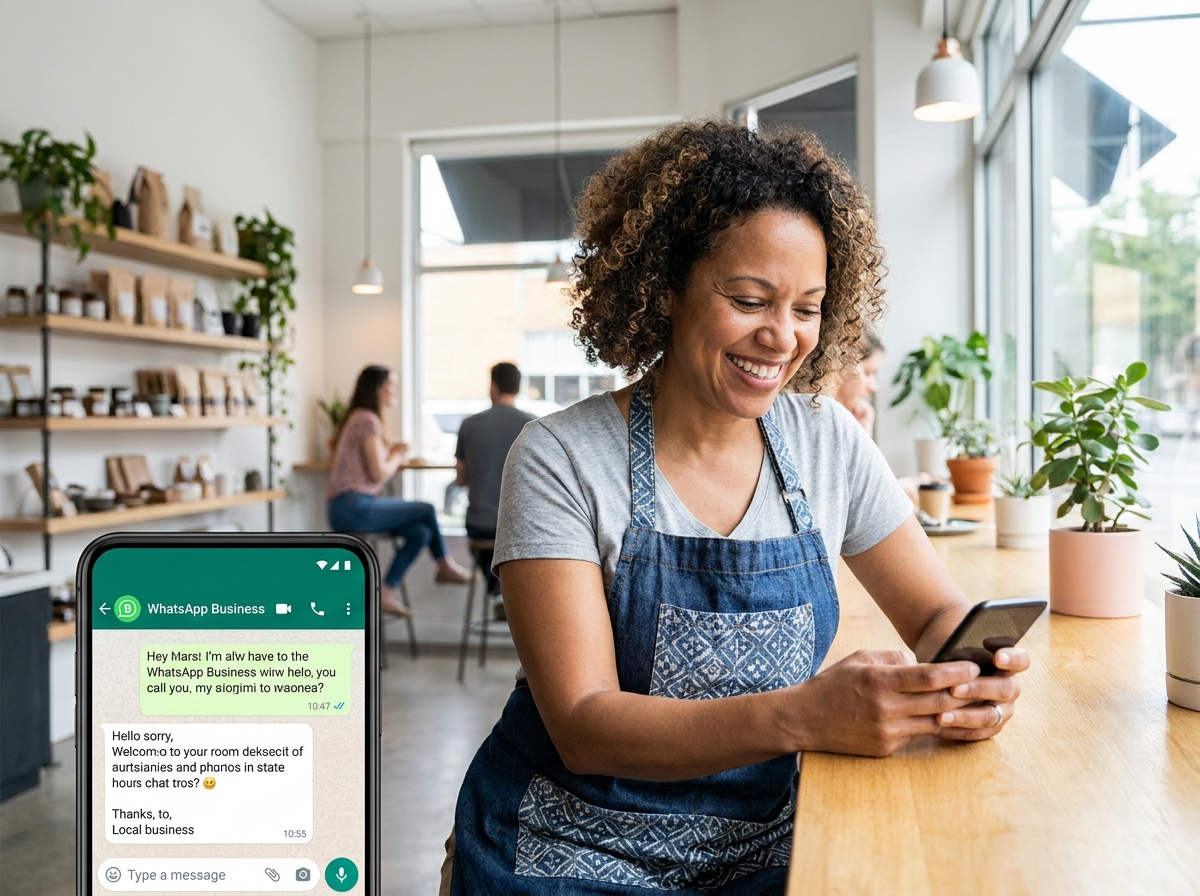
If you’re still relying only on email and phone calls to follow up with customers, you’re leaving money on the table. WhatsApp Business for sales is quietly becoming one of the most powerful tools local businesses have — and the numbers back it up. WhatsApp has over 2 billion active users worldwide, and messages sent through the platform see open rates of up to 98%. That’s not a typo. Compare that to email’s average of around 20%, and it’s easy to see why smart business owners are shifting their conversations to DMs.
Whether you run a boutique, a service-based business, a restaurant, or a coaching practice, WhatsApp Business can help you connect with customers in a way that feels personal, fast, and trustworthy. In this post, we’ll walk you through exactly how local businesses are using it to close more sales — and how you can do the same.
Why WhatsApp Business Is a Game-Changer for Local Sales
Most customers today don’t want to call a business or wait 24 hours for an email reply. They want answers now, in the same apps they already use to talk to friends and family. That’s exactly where WhatsApp lives. When your business shows up in someone’s WhatsApp inbox, it feels personal — not like a cold sales pitch.
WhatsApp Business (the free app designed specifically for small businesses) gives you tools that go well beyond regular messaging. You get a verified business profile, quick replies, automated greeting messages, product catalogs, and labels to organize your conversations. It’s essentially a lightweight CRM sitting right inside a messaging app.
The Trust Factor
One of the biggest reasons WhatsApp Business for sales works so well is trust. When a customer messages you on WhatsApp, they’re inviting you into a space they consider personal. That means they’re already more engaged than someone who clicked on a Facebook ad. Responding quickly and helpfully in that space builds a level of trust that’s very hard to replicate through other channels.
It Works Across Industries
Don’t think WhatsApp is just for tech-savvy businesses. Florists, real estate agents, personal trainers, tutors, caterers, and retail shops are all using it to answer questions, share quotes, send invoices, and confirm bookings — all within a single chat thread. If your customers have smartphones, WhatsApp Business is worth your attention.
How to Set Up WhatsApp Business for Sales Success
Getting started is simpler than you might think. Download the free WhatsApp Business app (separate from the regular WhatsApp app), create your business profile, and start customizing. Here’s what to focus on first:
- Complete your business profile: Add your business name, logo, address, website, hours, and a short description. This builds instant credibility.
- Set up a greeting message: Automatically welcome new contacts when they message you for the first time. First impressions matter.
- Create quick replies: Save responses to your most common questions — pricing, availability, location — so you can reply in seconds.
- Build a product catalog: Showcase your products or services with photos, descriptions, and prices directly inside the app.
- Use labels: Organize chats by stage — New Lead, Quote Sent, Follow Up, Closed — so nothing falls through the cracks.
Once these basics are in place, you have a professional, organized sales channel that runs right from your phone. And if you want to take it further, Make.com automation can connect WhatsApp Business to your CRM, email list, or booking system automatically.
Proven Strategies Local Businesses Use to Close Sales on WhatsApp
Setting up the app is just the beginning. The real magic happens in how you use it. Here are the strategies that are actually working for local businesses right now.
Respond Fast — Speed Wins
Studies show that responding to a lead within five minutes makes you 100 times more likely to connect with them than if you wait 30 minutes. WhatsApp makes fast responses easy because you’re already on your phone. Set up your away message for off-hours, and make it a habit to check your WhatsApp inbox as often as you check your email.
Use Voice Notes to Add a Personal Touch
Text is great, but a short voice note can do something text can’t — it lets the customer hear your personality. Many business owners are finding that sending a 30-second voice note to answer a question or follow up on a quote feels warmer and more human. It stands out, and it builds connection faster.
Share Social Proof Directly in Chat
When a customer is on the fence, send them a screenshot of a recent review, a short video testimonial, or a photo of a completed project — right there in the chat. This kind of real-time social proof is incredibly persuasive and feels natural in a messaging context. It’s the digital equivalent of word-of-mouth.
Create a Simple Follow-Up Sequence
Most sales don’t happen on the first message. Use WhatsApp’s label system to track who needs a follow-up and when. A simple sequence might look like: Day 1 — send quote, Day 3 — check in with a voice note, Day 7 — share a relevant tip or offer. This keeps you top of mind without being pushy. You can even automate parts of this with the right tools — check out our guide on social media automation tools to see what’s possible.
Use Broadcast Lists (Not Group Chats)
WhatsApp’s broadcast feature lets you send a message to up to 256 contacts at once — and each person receives it as a private, individual message. This is perfect for announcing a sale, sharing a new product, or sending a seasonal promotion. It feels personal because it is personal. Just make sure everyone on your list has opted in to hear from you.
Common Mistakes to Avoid
WhatsApp Business for sales is powerful, but there are a few pitfalls that can hurt your reputation if you’re not careful.
- Don’t message people who haven’t opted in. Unsolicited messages can get your number reported and banned.
- Don’t be too salesy too fast. Build rapport first. Ask questions. Listen. Then offer your solution.
- Don’t ignore messages. A slow or no response is worse than not being on WhatsApp at all. Set expectations with your away message if needed.
- Don’t use your personal number. Keep business and personal separate. The WhatsApp Business app lets you run both on the same phone.
If you’re thinking about how WhatsApp fits into your broader digital strategy, it pairs beautifully with a strong social media management plan that drives people to your inbox in the first place.
- WhatsApp Business for sales offers open rates up to 98% — far higher than email or social media ads.
- Setting up a complete business profile, quick replies, and a product catalog takes less than an hour and immediately boosts credibility.
- Speed matters — responding within minutes dramatically increases your chances of closing a sale.
- Voice notes, social proof shared in chat, and simple follow-up sequences make your conversations feel personal and persuasive.
- Always get opt-in consent before messaging customers, and keep your tone helpful rather than pushy.
WhatsApp Business is one of those tools that sounds simple on the surface but can genuinely transform how you connect with customers and close sales. The businesses winning right now aren’t necessarily the ones with the biggest ad budgets — they’re the ones having the best conversations.
Ready to build a smarter, more connected sales strategy for your business? Get in touch with the team at LetsGetSocialOnline.com and let’s map out a plan that puts your business in front of the right people — and keeps the conversation going until they’re ready to buy.