
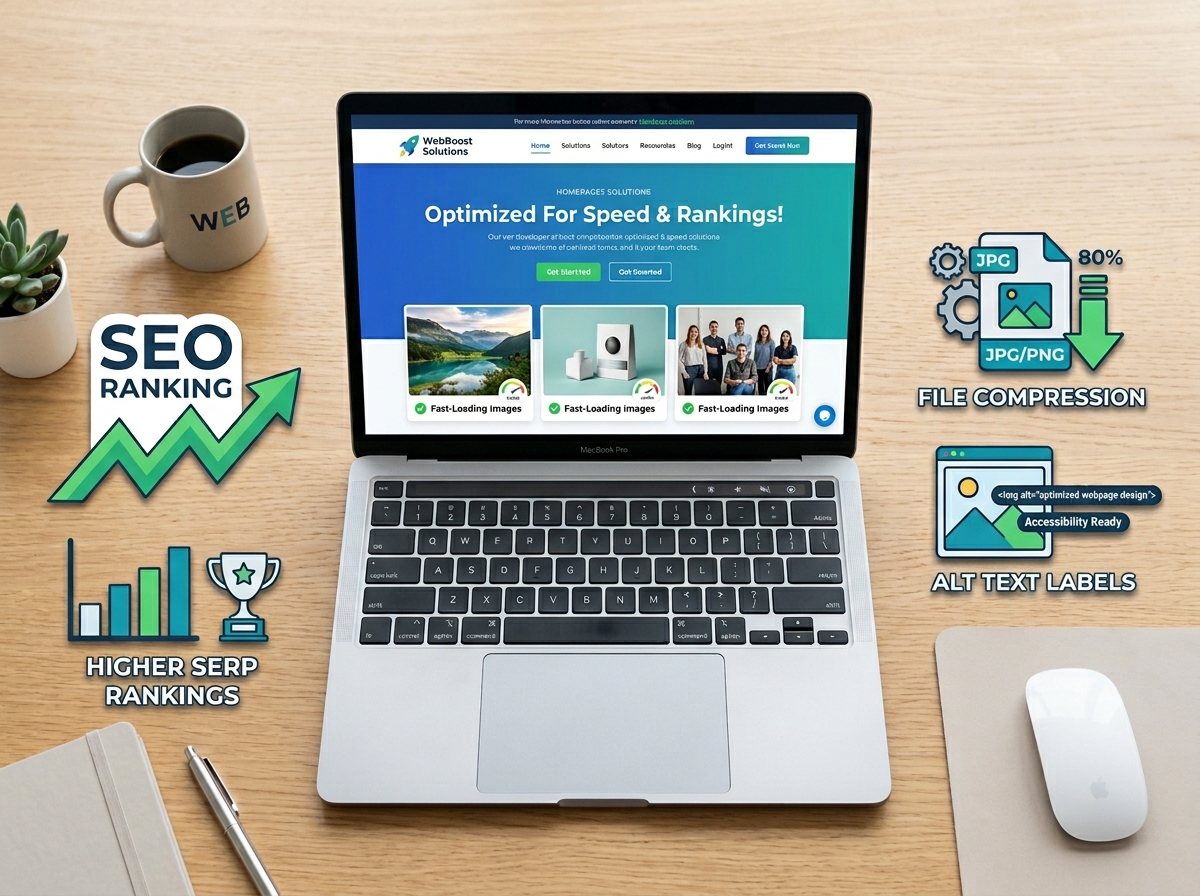
When most people think about SEO, they focus on keywords, backlinks, and blog content — and completely overlook one of the most powerful opportunities sitting right in front of them: their images. Image SEO optimization is the process of making your website’s images more discoverable, faster to load, and easier for search engines to understand. If you’re not optimizing your images, you’re leaving traffic — and rankings — on the table.
The good news? You don’t need to be a developer or a technical wizard to get this right. With a few straightforward strategies, you can start seeing real improvements in your search visibility and site performance. Let’s walk through everything you need to know.
Why Image SEO Optimization Matters for Your Business
Google doesn’t just rank web pages — it ranks images too. Google Images is one of the largest search engines in the world, and it drives a significant amount of web traffic every single day. If your images are properly optimized, they can appear in both standard search results and image search results, giving your business twice the visibility.
Beyond search rankings, optimized images also improve your page load speed — a critical ranking factor that Google takes seriously. Slow-loading pages frustrate visitors and increase bounce rates, which signals to Google that your site isn’t delivering a great experience. Faster pages mean happier users and better rankings. It’s a win on every front.
If you’re working on your overall SEO strategy, image optimization fits naturally alongside other on-page efforts. Check out our guide on on-page SEO best practices to see how images fit into the bigger picture.
How to Name and Format Your Images Correctly
Use Descriptive, Keyword-Rich File Names
Before you upload any image to your website, rename the file. Most images come off your camera or phone with names like IMG_4823.jpg — which tells search engines absolutely nothing. Instead, use a descriptive file name that reflects what’s in the image and includes a relevant keyword where it makes sense.
For example, instead of IMG_4823.jpg, try something like chocolate-chip-cookie-recipe.jpg or miami-web-design-agency.jpg. Keep it lowercase, use hyphens between words (not underscores), and keep it concise. This small step makes a real difference in how search engines index your content.
Choose the Right File Format
The format you choose affects both image quality and load speed. Here’s a quick breakdown of the most common options:
- JPEG/JPG — Best for photographs and complex images. Good compression with solid quality.
- PNG — Best for graphics, logos, and images that need a transparent background. Larger file sizes.
- WebP — A modern format supported by most browsers that offers excellent quality at smaller file sizes. Highly recommended for web use.
- SVG — Ideal for icons and simple graphics. Scales perfectly at any size without losing quality.
When in doubt, convert your images to WebP format before uploading. Many image tools and WordPress plugins can handle this conversion automatically.
Writing Alt Text That Actually Works
Alt text (short for alternative text) is a written description of an image that appears when the image can’t be displayed. It also helps screen readers describe images to visually impaired users — and it’s one of the most important elements of image SEO optimization.
Alt Text Best Practices
Think of alt text as a brief, accurate description of what’s in the image — written for both humans and search engines. Here’s how to do it well:
- Be specific and descriptive: “Red leather handbag with gold zipper on white background” is better than “handbag.”
- Include your target keyword naturally when it’s relevant — don’t force it.
- Keep it under 125 characters for best accessibility results.
- Avoid starting with “Image of…” or “Picture of…” — just describe what you see.
- Leave alt text blank for purely decorative images that add no informational value.
Every image on your website — from product photos to blog graphics — should have thoughtful alt text. It’s one of the easiest wins in your entire SEO strategy.
Compressing Images Without Sacrificing Quality
Large image files are one of the biggest culprits behind slow websites. A single uncompressed photo can be several megabytes in size — and if your page has ten of them, your load time will suffer dramatically. Image compression reduces file size without a noticeable drop in visual quality.
Tools to Compress Your Images
You don’t need expensive software to compress images effectively. Here are some reliable, easy-to-use options:
- TinyPNG / TinyJPG — Free online tools that compress PNG and JPEG files quickly.
- Squoosh — A free browser-based tool from Google with advanced compression controls.
- ShortPixel or Imagify — WordPress plugins that automatically compress images as you upload them.
- Canva — Lets you export images at optimized sizes for web use.
As a general rule, aim to keep most images under 150KB for web use. Hero images and full-width banners can be slightly larger, but always compress before uploading. Your page speed — and your visitors — will thank you.
Set the Right Image Dimensions
Don’t upload a 4000px wide image when your content area is only 800px wide. Resize your images to the actual dimensions they’ll be displayed at before uploading. This reduces file size and prevents your browser from doing unnecessary resizing work, which slows things down.
If you’re managing a WordPress site, you can also take advantage of WordPress SEO settings to control how images are handled across your site automatically.
Key Takeaways: Image SEO Optimization Checklist
- Rename image files with descriptive, keyword-relevant names before uploading.
- Use WebP format when possible for the best balance of quality and file size.
- Write specific, natural alt text for every meaningful image on your site.
- Compress all images to reduce load times and improve your Core Web Vitals score.
- Resize images to their actual display dimensions — never upload oversized files.
Image SEO optimization isn’t a one-time task — it’s an ongoing habit that pays dividends every time you publish new content. The businesses that consistently optimize their images build faster, more visible websites that outperform competitors in search results over time.
If you’re ready to take your SEO strategy to the next level — images and all — our team at LetsGetSocialOnline.com is here to help. We work with small businesses and entrepreneurs to build SEO strategies that actually drive results. Learn more about our SEO services or reach out directly to get started.
Ready to optimize your website and grow your search traffic? Contact our team today and let’s build an SEO strategy that works for your business.