
If you’ve ever launched a website and felt like something slipped through the cracks — a missing login, a confused client, or a forgotten tutorial — you already know how important a solid client website handoff process really is. Done right, it’s the moment that turns a completed project into a lasting professional relationship. Done poorly, it creates frustration, support headaches, and a client who doesn’t feel confident using what you built for them.
Whether you’re a freelance web designer, a digital agency, or a business owner handing off a site to your team, this guide walks you through exactly how to deliver a website like a pro — organized, thorough, and client-friendly.
Why the Website Handoff Matters More Than You Think
Most designers and developers focus heavily on the build phase — and rightfully so. But the handoff is often where the client’s real experience begins. This is the moment they take ownership of something they’ve invested time and money into. How you handle it shapes how they feel about the entire project.
A smooth handoff builds trust, reduces post-launch support requests, and positions you as a true professional rather than just a vendor. It also protects you — when everything is documented and delivered clearly, there’s less room for misunderstandings down the road.
If you’re also helping clients with ongoing marketing, a clean handoff connects naturally to services like social media management or SEO — because a well-organized client is a client who’s ready to grow.
What to Include in Your Website Handoff Package
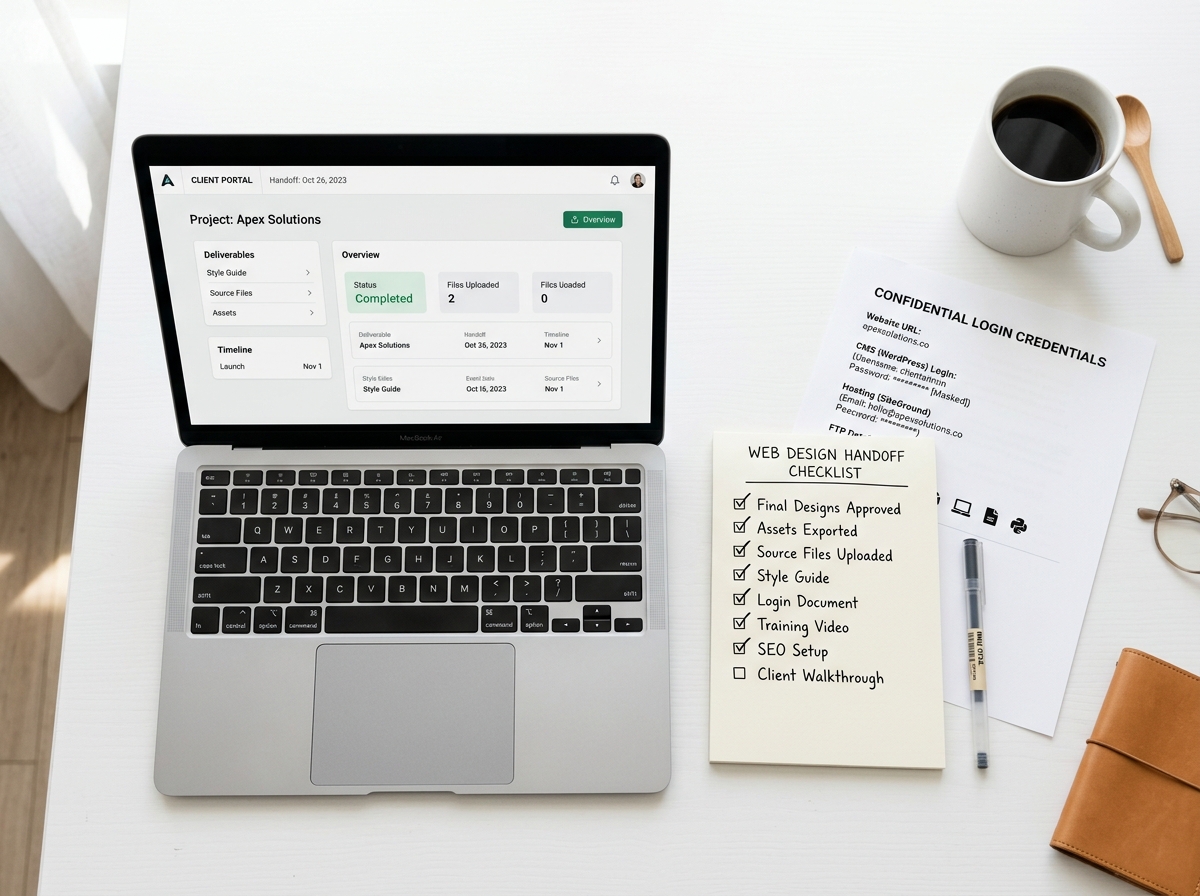
A great client website handoff process starts with knowing exactly what to deliver. Think of your handoff package as a welcome kit — everything the client needs to confidently own and manage their new site.
Login Credentials and Access
This sounds obvious, but it’s one of the most commonly fumbled parts of a handoff. Make sure your client has access to everything they need from day one.
- CMS login (WordPress, Webflow, Squarespace, etc.)
- Hosting account credentials or a transfer of ownership
- Domain registrar access
- Google Analytics and Google Search Console access
- Any third-party tool logins (email marketing, booking systems, payment processors)
Use a secure method to share passwords — a tool like LastPass, 1Password, or a password-protected PDF works well. Never send credentials in plain text over email.
A Website Walkthrough or Training Video
Not every client is tech-savvy, and that’s completely okay. Record a short screen-share walkthrough showing them how to log in, update content, add a blog post, or make basic edits. Tools like Loom make this incredibly easy and free.
Even a 10-minute video can save you hours of back-and-forth support emails. It also shows your client that you care about their success beyond the launch date — which is exactly the kind of impression that leads to referrals.
Documentation and a Site Overview
Provide a simple written document (a Google Doc or PDF works great) that covers the basics: what platform the site is built on, what plugins or tools are installed, how to contact hosting support, and any important notes about the site’s structure.
- List all installed plugins or integrations
- Note any scheduled renewals (hosting, domain, SSL)
- Include links to helpful tutorials or support resources
- Summarize any custom features and how they work
How to Structure the Actual Handoff Meeting
A handoff isn’t just about sending files — it’s a conversation. Schedule a dedicated handoff call or meeting (even 30 minutes is enough for most projects) to walk your client through everything together. This is your chance to answer questions in real time and make sure nothing gets lost in translation.
Before the Meeting
Send the handoff package at least 24 hours in advance so your client has time to review it. Include a short agenda so they know what to expect. This small step makes the meeting feel organized and professional from the start.
During the Meeting
Walk through the site live, demonstrate key features, and confirm that all logins work. Encourage your client to ask questions — even the “silly” ones. The goal is for them to leave the call feeling confident and capable, not overwhelmed.
This is also a great time to discuss next steps. Are you handling ongoing maintenance? Do they need help with SEO or search visibility? Planting those seeds during the handoff is a natural, non-pushy way to open the door to continued work together.
After the Meeting
Send a follow-up email summarizing what was covered, confirming all access has been transferred, and providing links to any resources you mentioned. This creates a paper trail and gives your client a reference point if they forget something later.
Common Mistakes to Avoid in the Handoff Process
Even experienced designers make these missteps. Knowing what to watch out for can save you and your client a lot of frustration.
- Skipping the walkthrough: Assuming your client will “figure it out” is a recipe for support headaches.
- Transferring everything at once without explanation: Dumping a folder of files and logins without context is overwhelming.
- Not confirming access works: Always test logins before the handoff meeting — not during it.
- Forgetting post-launch support boundaries: Be clear about what’s included after launch and what falls outside the project scope.
- No documentation: If it’s not written down, it doesn’t exist — especially six months later when your client can’t remember how to update their homepage.
If you’re using automation tools to streamline your agency workflow, a platform like Make.com automation can help you trigger handoff emails, create client folders, and send follow-up sequences automatically — saving you time on every project.
Key Takeaways: Client Website Handoff Process
- A professional client website handoff process builds trust and reduces post-launch confusion.
- Always deliver a complete package: logins, documentation, and a walkthrough video.
- Schedule a dedicated handoff meeting — don’t just send files and disappear.
- Follow up in writing after the meeting to confirm everything was received and understood.
- Use automation tools to streamline and standardize your handoff workflow across every project.
A great website deserves a great send-off. When you invest the same care into your client website handoff process as you do into the design itself, you deliver an experience — not just a product. And that’s what keeps clients coming back and referring others.
Ready to level up your web design process from start to finish? Get in touch with the team at LetsGetSocialOnline.com — we’d love to help you build, launch, and hand off websites that truly impress.