
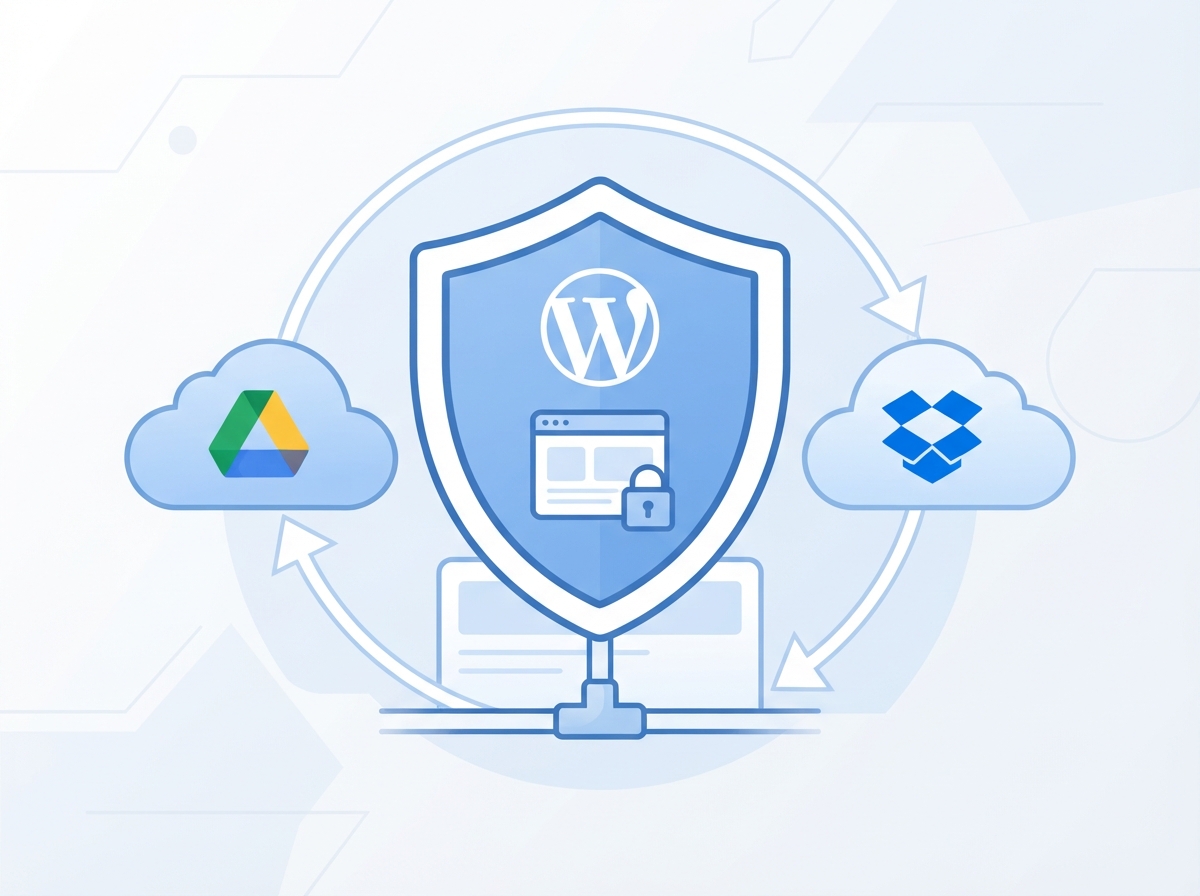
If you’ve ever had a website crash, get hacked, or accidentally break after an update, you already know the panic that sets in. A solid WordPress website backup strategy is one of the most important — and most overlooked — things a business owner can do to protect their online presence. The good news? It doesn’t have to be complicated. In this guide, we’ll walk you through exactly what you need to know to keep your site safe, recoverable, and running no matter what happens.
Why Your WordPress Website Backup Plan Matters More Than You Think
Most business owners assume their hosting provider is handling backups automatically. Sometimes that’s true — but often, those backups are infrequent, stored in the same location as your site, or not included in your plan at all. That’s a risky assumption to make when your website is your storefront, your lead generator, and your brand.
Think about everything that lives on your site: your blog posts, landing pages, product listings, customer data, custom design work, and integrations. Losing even a week’s worth of that content can cost you time, money, and credibility. A proper backup strategy means you can restore your site quickly — sometimes in minutes — without starting from scratch.
Common Scenarios Where Backups Save the Day
- Plugin or theme conflicts after an update that breaks your site layout
- Malware or hacking attempts that corrupt or deface your content
- Accidental deletions by you, a team member, or a developer
- Hosting server failures or unexpected account issues
- Failed migrations when moving to a new host or domain
Any one of these situations can happen to any website, at any time. The businesses that recover quickly are the ones that had a backup ready to go.
The 3-2-1 Backup Rule for WordPress Sites
The 3-2-1 backup rule is a simple framework used by IT professionals and smart business owners alike. It’s easy to remember and even easier to implement once you understand it.
What the 3-2-1 Rule Means
- 3 copies of your data — your live site plus two backups
- 2 different storage types — for example, your hosting server and a cloud service
- 1 offsite location — stored somewhere completely separate from your hosting environment
For most small business websites, this looks like: your live WordPress site, an automated backup stored by your hosting provider, and a second backup sent to a cloud storage service like Google Drive, Dropbox, or Amazon S3. This way, if one copy fails or gets compromised, you always have another option.
This is also where automation becomes your best friend. You shouldn’t have to remember to back up your site manually. Set it up once, and let the tools do the work for you. Speaking of which — if you’re interested in automating more of your business workflows, check out our guide on Make.com automation for small businesses.
Best WordPress Backup Plugins to Use Right Now
There are several reliable tools that make setting up a WordPress website backup system straightforward — even if you’re not technical. Here are the top options worth considering for your business.
UpdraftPlus
UpdraftPlus is one of the most popular backup plugins available, with over 3 million active installs. It allows you to schedule automatic backups and send them directly to cloud storage like Google Drive, Dropbox, or Amazon S3. The free version covers most small business needs, and the premium version adds features like incremental backups and migration tools.
Jetpack Backup (formerly VaultPress)
Jetpack Backup offers real-time backups, which means every change you make to your site is saved instantly. This is ideal for e-commerce sites or blogs that update frequently. It also includes a one-click restore feature, making recovery incredibly simple even for non-technical users.
BlogVault
BlogVault is a premium option that’s especially popular with agencies and developers managing multiple sites. It stores backups independently from your hosting server, which means even if your host goes down, your backup is safe. It also includes staging environments and malware scanning as part of the package.
Your Hosting Provider’s Built-In Backups
Many managed WordPress hosts — like WP Engine, Kinsta, or SiteGround — include daily or even hourly backups as part of their plans. These are a great starting point, but remember: they shouldn’t be your only backup. Always pair them with an offsite solution for full protection.
If you’re not sure whether your current hosting setup is giving your site the protection it needs, our team can help. Learn more about our WordPress website design and management services to see how we support business owners end to end.
How Often Should You Back Up Your WordPress Site?
The right backup frequency depends on how often your site changes. A static brochure site that rarely gets updated can get away with weekly backups. But if you’re running a blog, an online store, or a membership site, you need to back up much more frequently.
Recommended Backup Schedule by Site Type
- Static or rarely updated sites: Weekly backups minimum
- Active blogs or service sites: Daily backups
- E-commerce or membership sites: Real-time or hourly backups
- Before any major update or change: Always run a manual backup first
One habit every website owner should build: always back up before you update. Whether it’s a WordPress core update, a plugin update, or a theme change — run a fresh backup first. It takes two minutes and can save you hours of headaches.
And don’t forget to test your backups periodically. A backup that doesn’t restore properly is no backup at all. Schedule a quarterly test restore to make sure everything is working as expected. For more tips on keeping your digital presence secure and optimized, explore our SEO and digital marketing tips.
Key Takeaways: WordPress Website Backup Strategy
- Never rely solely on your hosting provider for backups — always have an offsite copy stored separately.
- Use the 3-2-1 rule: 3 copies, 2 storage types, 1 offsite location.
- Tools like UpdraftPlus, Jetpack Backup, and BlogVault make automated backups easy for non-technical users.
- Back up more frequently if your site changes often — daily or real-time for active sites.
- Always run a manual WordPress website backup before making any major updates or changes.
Ready to Protect Your Website the Right Way?
Your website is one of your most valuable business assets. A strong WordPress website backup strategy isn’t just a technical checkbox — it’s peace of mind that lets you focus on growing your business instead of worrying about what could go wrong.
If you’d like help setting up a reliable backup system, reviewing your current hosting setup, or building a more secure and optimized WordPress site, our team at LetsGetSocialOnline.com is here to help. We work with small businesses and entrepreneurs every day to make sure their digital presence is protected, professional, and built to grow.
Don’t wait until something goes wrong. Contact us today and let’s make sure your website is backed up, secure, and ready for whatever comes next.